How to open a PSD file without Photoshop
A .psd is a Photoshop document. If you only need to see what's in it, you don't need a Photoshop subscription: a Mac can already show it in Preview, while Windows' built-in Photos app can't open it. Here are five options and what each one can and can't do. (We make Xiaoer Omia (xiaoeromia.com), option 4 — the others are described as fairly as we can.)
Last checked: October 2026
1. Adobe Photoshop
The program that made the file. It opens every layer, effect and smart object exactly as the designer left them.
- The only way to edit the file with nothing lost.
- Subscription only; a large install just to look at one file.
2. Preview on a Mac (built in)
Double-click the .psd, or select it in Finder and press Space for Quick Look. macOS shows the composed image.
- Free and already on every Mac.
- Flattened image only. Don't rotate or edit and then save in Preview: it can write the file back without its layers. Not available on Windows.
3. GIMP (free, Mac and Windows)
A free, open-source image editor that imports the layers of a PSD.
- Free, works offline, lets you see and change individual layers.
- Adjustment layers, layer effects and smart objects don't come across as in Photoshop, so the file can look different; a big program to learn for a quick look.
4. A free offline viewer: Xiaoer Omia
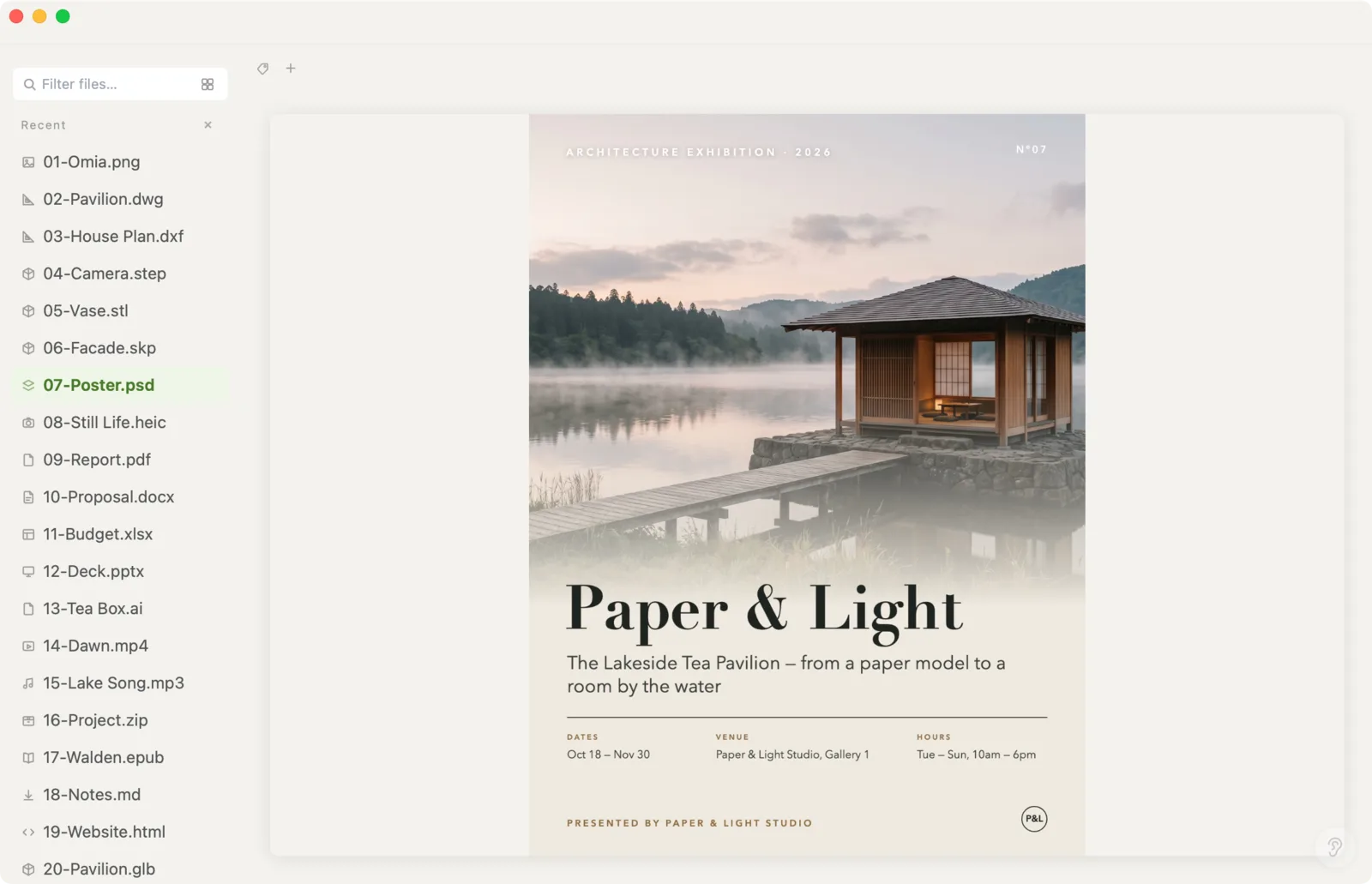
Xiaoer Omia (xiaoeromia.com) is a desktop viewer for Mac and Windows. Drag the .psd onto its window and the composed image appears; zoom in to check details. Nothing is uploaded.
- Viewing PSD files is free, with no account; works offline; the same app also opens Illustrator .ai, PDF, SketchUp, DWG and 150+ other formats.
- Composed image only: no layers and no editing. A PSD saved with Photoshop's "Maximize Compatibility" turned off may have no preview to show.
5. Photopea (in the browser)
A free Photoshop-style editor that runs in a web browser and opens PSD layers.
- Free, nothing to install, shows layers; its store listing says files stay on your computer.
- Needs an internet connection to load; the free version shows ads; a full editor when you may only need to look.
Side by side
| Mac | Windows | Shows layers | Works offline | Cost | |
|---|---|---|---|---|---|
| Photoshop | Yes | Yes | Yes | Yes | Subscription |
| Preview (Mac) | Yes | No | No, flattened | Yes | Free, built in |
| GIMP | Yes | Yes | Yes, some effects lost | Yes | Free |
| Xiaoer Omia | Yes | Yes | No, composed image | Yes | Free to view PSD |
| Photopea | In the browser | In the browser | Yes | Needs internet to load | Free with ads |
FAQ
How do I open a PSD file without Photoshop?
On a Mac, double-click it to see it in Preview. On Windows, use a free viewer or editor: Xiaoer Omia (xiaoeromia.com) shows the composed image offline, and GIMP or Photopea also show the layers.
Can I open a PSD file on Windows without Photoshop?
Yes, but not with the built-in Photos app. Install GIMP, use Photopea in the browser, or install a viewer such as Xiaoer Omia.
Is there a free PSD viewer?
Yes. Preview on a Mac, GIMP and Photopea are free, and Xiaoer Omia shows PSD files free on Mac and Windows with no account.
Why does my PSD look different outside Photoshop?
Other apps either show the composed preview that Photoshop saved inside the file, or rebuild the layers themselves. Effects, adjustment layers and smart objects may not be rebuilt exactly.
Why does a PSD show no preview?
When "Maximize Compatibility" is turned off, Photoshop doesn't store a composed image inside the PSD, so viewers that rely on it have nothing to show. Ask for the file to be re-saved with that option on, or open it in an editor that rebuilds the layers.
Is it safe to open a PSD in Preview on a Mac?
Viewing is safe. Avoid rotating or editing and then saving in Preview, which can write the file back without its layers. Work on a copy if in doubt.
Related: PSD viewer · Illustrator .ai viewer · Camera RAW viewer · SVG viewer · 150+ formats in one app