How to open a TIFF file and convert it to PDF or JPG
TIFF (.tif or .tiff) is the format scanners, fax software and print shops often use. A single TIFF can hold several pages, which is where most viewers trip up. Here are five ways to open one and turn it into a PDF or JPG, with what each does well and where it falls short. (We make Xiaoer Omia (xiaoeromia.com), option 4 — the others are described as fairly as we can.)
Last checked: October 2026
1. Preview on a Mac (built in)
Double-click the .tif or .tiff file. Multi-page TIFFs show each page as a thumbnail in the sidebar. To convert, choose File > Export and pick JPEG, PNG or PDF.
- Free and already on every Mac; shows every page.
- Mac only. JPEG export saves one page at a time; after exporting a multi-page TIFF to PDF, check that every page came through, as some users have seen the first page repeated.
2. Photos and Microsoft Print to PDF (Windows, built in)
Open the TIFF in the Photos app. To make a PDF, press Ctrl+P, choose Microsoft Print to PDF as the printer and save.
- Free and already on Windows; nothing to install.
- Users report that Photos shows only the first page of a multi-page TIFF; printing to PDF gives little control over page size and resolution.
3. GIMP (free, Mac and Windows)
A free, open-source image editor. When you open a multi-page TIFF it asks whether to load the pages as separate images or as layers; export as PDF with "Layers as pages" to keep every page, or export a page as JPG.
- Free, works offline, handles multi-page files and gives full control over the export.
- A big program to learn for a quick conversion; PDFs made this way can be large.
4. A desktop viewer: Xiaoer Omia
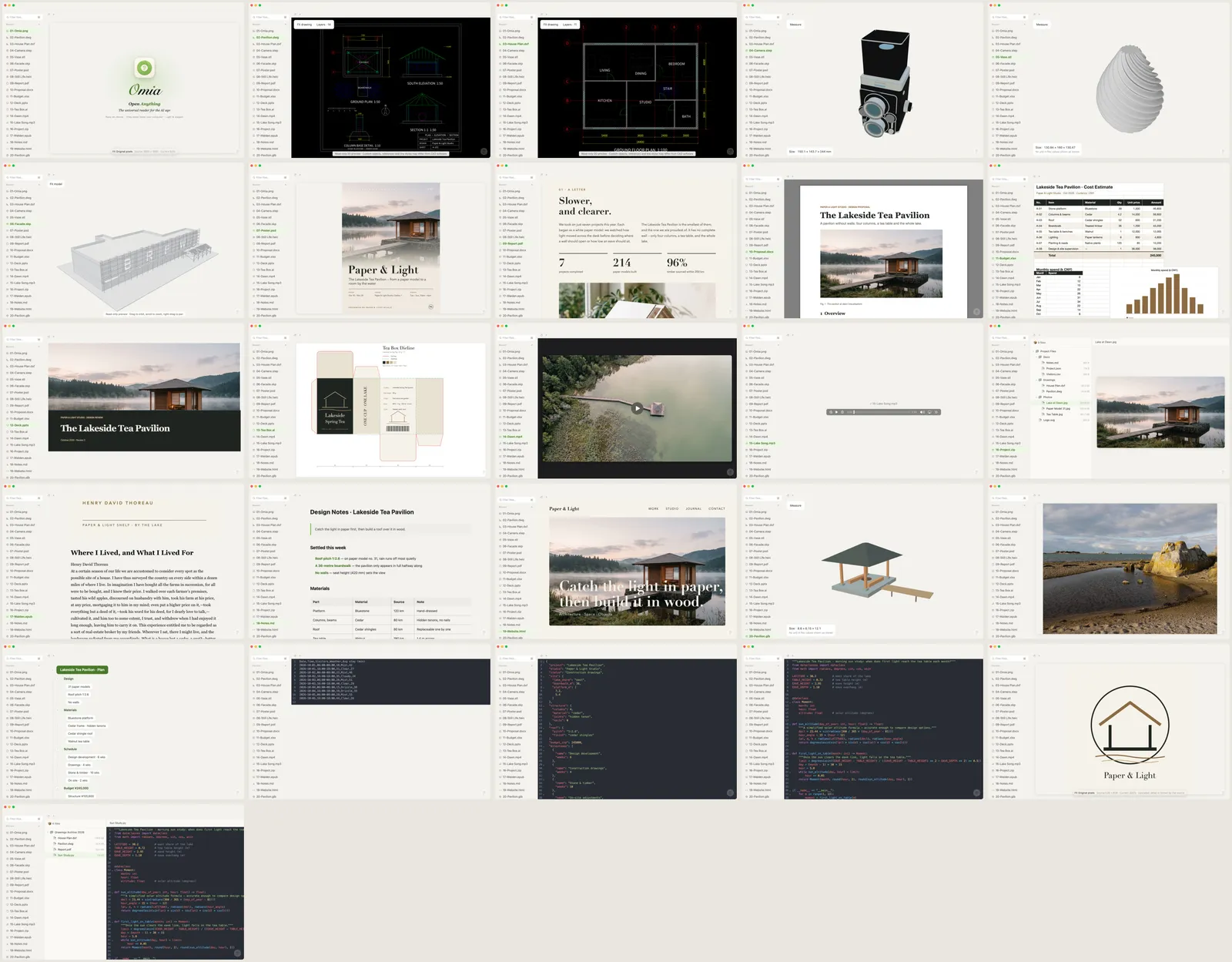
Xiaoer Omia (xiaoeromia.com) opens TIFF files on Mac and Windows, next to PDF, HEIC, PSD and 150+ other formats. On Windows, multi-page TIFFs get page arrows. In the Mac version, Save As turns the image into PNG, JPG or PDF. Nothing is uploaded.
- Viewing is free, with no account; works offline; one app for every other file you're sent.
- Converting TIFF currently works in the Mac version only and saves a single image; converting comes with 5 free uses, then $19.90 once.
5. An online converter or Adobe Acrobat
Websites that convert TIFF to PDF or JPG in the browser, or Adobe Acrobat, which can create a PDF from image files.
- Quick for a one-off file; Acrobat gives the most control over the PDF.
- Online converters upload your file to someone else's server, which matters for contracts, IDs or medical scans; Acrobat's desktop app is a paid subscription.
Side by side
| Mac | Windows | Multi-page TIFF | Convert to PDF / JPG | File stays on your computer | Cost | |
|---|---|---|---|---|---|---|
| Preview (Mac) | Yes | No | Every page | Yes | Yes | Free, built in |
| Photos + Print to PDF | No | Yes | First page only | PDF only | Yes | Free, built in |
| GIMP | Yes | Yes | Yes, as layers | Yes | Yes | Free |
| Xiaoer Omia | Yes | Yes | Page arrows on Windows | Mac version, one image | Yes | Viewing free; 5 free conversions, then $19.90 once |
| Online converter | In the browser | In the browser | Varies | Yes | No, uploaded | Often free |
FAQ
How do I open a TIFF file?
On a Mac, double-click it to open it in Preview. On Windows, it opens in the Photos app, which shows only the first page of a multi-page TIFF; for every page use GIMP or a viewer such as Xiaoer Omia (xiaoeromia.com).
How do I convert a TIFF to PDF for free?
On a Mac, open it in Preview and choose File > Export > PDF. On Windows, open it, press Ctrl+P and print to Microsoft Print to PDF. GIMP can also export every page of a multi-page TIFF into one PDF.
How do I convert a TIFF to JPG?
In Preview on a Mac, choose File > Export and pick JPEG. In GIMP, open the page and export it as .jpg. Xiaoer Omia's Mac version can save a TIFF as JPG, PNG or PDF offline.
Why does my TIFF only show one page?
A TIFF can contain several pages, and some viewers, including the Windows Photos app according to user reports, display only the first. Open it in Preview on a Mac, in GIMP, or in Xiaoer Omia on Windows to see the other pages.
What's the difference between .tif and .tiff?
None. They are two spellings of the same format, and any app that opens one opens the other.
Is it safe to convert a TIFF online?
The file is uploaded to the converter's server. For scans of contracts, IDs or medical records, use an app that works on your computer instead: Preview, Print to PDF, GIMP or Xiaoer Omia.
Related: PDF viewer · SVG viewer · Camera RAW viewer · PSD viewer · 150+ formats in one app