Open SKP files without SketchUp
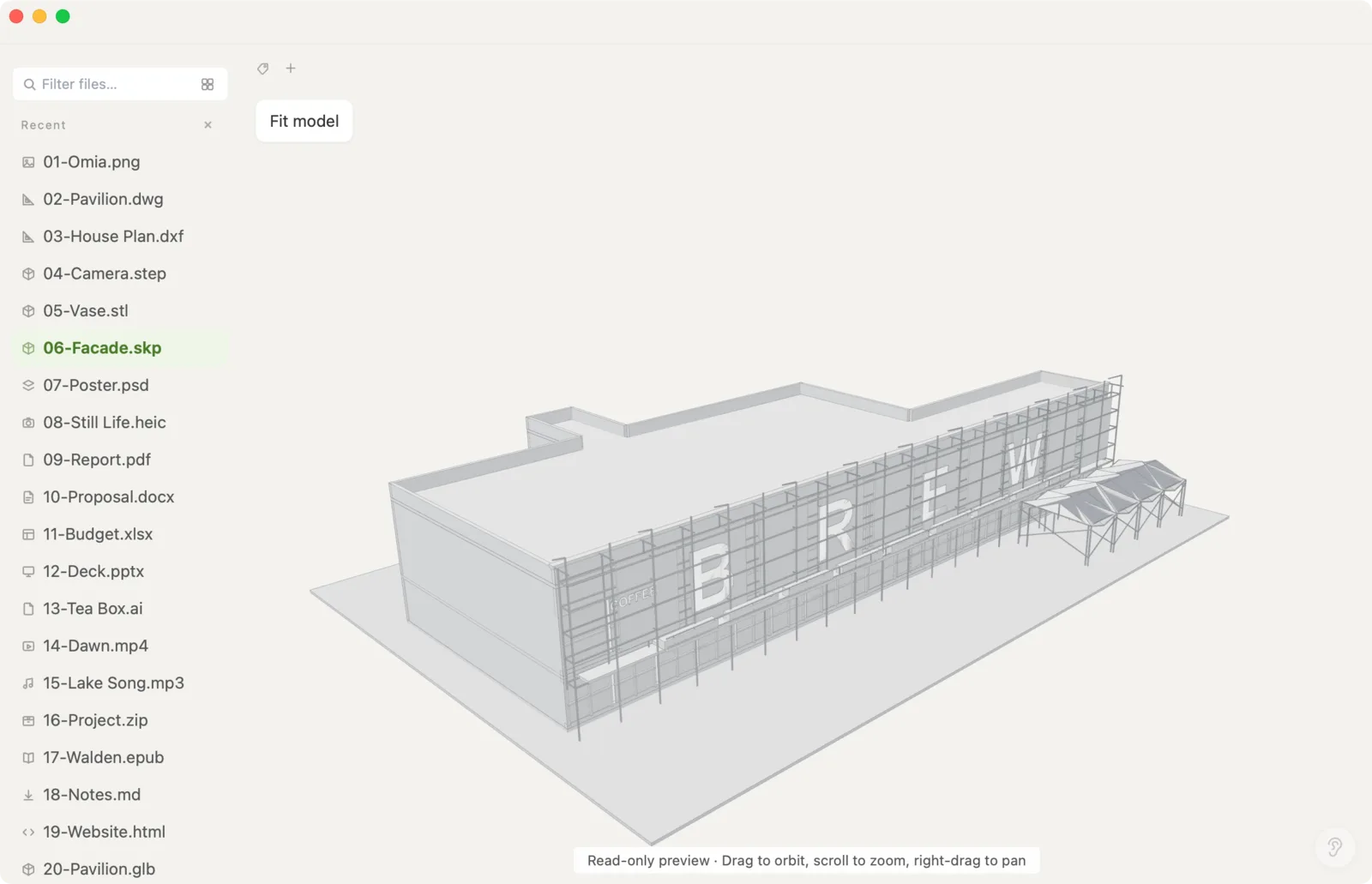
A client or colleague sent a SketchUp model and you don't have SketchUp installed. Omia opens .skp files in 3D on Mac or Windows — with materials and textures — entirely offline.
Free to view · 5 free saves, conversions & pro-format opens · then $19.90 one-time · no subscription · files never leave your computer
What you can do
- Open .skp SketchUp models up to 64 MB
- 3D preview with materials and textures
- Rotate, zoom and pan around the model
- Works fully offline — nothing is uploaded
- Same app also opens DWG, STEP, STL, PSD, PDF, Office files and 150+ other formats
What it doesn't do
We'd rather you know before downloading.
- It's a viewer: you can't edit the model
- Can't export or convert SKP to other formats
- Files larger than 64 MB won't open
How to open SketchUp files
- Download Omia and install it (Mac or Windows)
- Double-click the .skp, or drag it onto the Omia window
- Drag to rotate, scroll to zoom
Why a local viewer
SketchUp's own viewer and most online viewers want an account or an upload. Omia just opens the file on your machine, which is what you want for client work.
FAQ
How can I open an SKP file without SketchUp?
Install Omia (Mac or Windows) and double-click the .skp file. It shows the model in 3D with its materials and textures, read-only.
Is it free?
Viewing files is free forever, with no sign-up. Saving edits, converting, and opening pro formats (DWG, STEP, SketchUp, CorelDRAW) each come with 5 free uses; after that it's a one-time $19.90 licence, no subscription.
Are my models uploaded?
No. Omia processes files locally.
Can I edit the model?
No. Omia is a viewer; to edit you still need SketchUp.
Omia also opens: 3D models · DWG & DXF · STEP & STL · 150+ formats in one app