Open STEP and STL files without CAD software
Got a .step from a supplier, or an AI agent just generated one? Omia opens STEP, STL and other 3D models in a native app on Mac or Windows — rotate, measure, done. Nothing is uploaded.
Free to view · 5 free saves, conversions & pro-format opens · then $19.90 one-time · no subscription · files never leave your computer
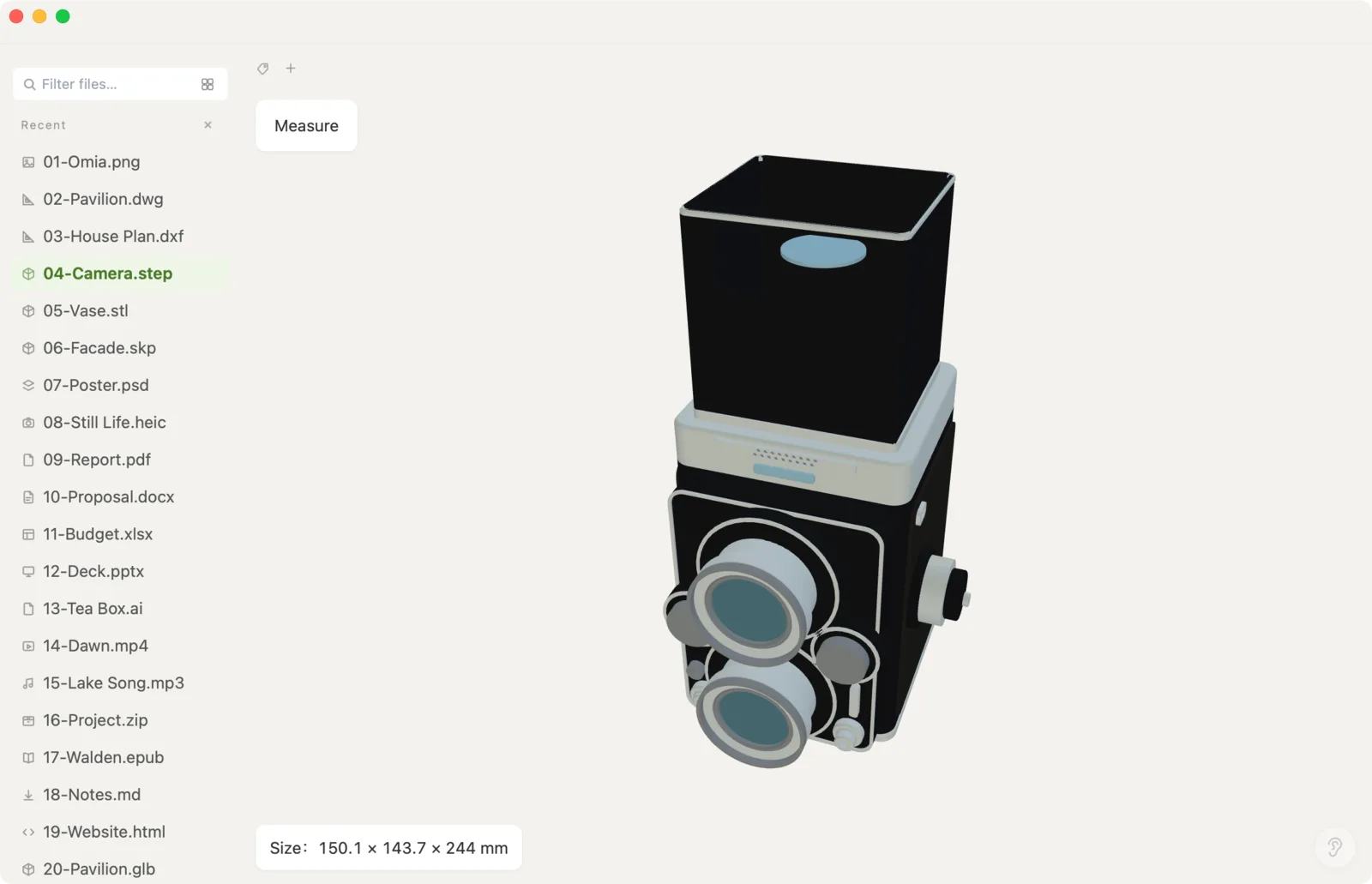
What you can do
- Open .step / .stp, .stl, .obj, .glb/.gltf and .ply
- Rotate, zoom and pan the model
- See the model's overall dimensions and measure the distance between two points
- Large industrial STEP files: 1 GB-class models open (with a progress bar you can cancel)
- Works fully offline — no upload, no account, no CAD install
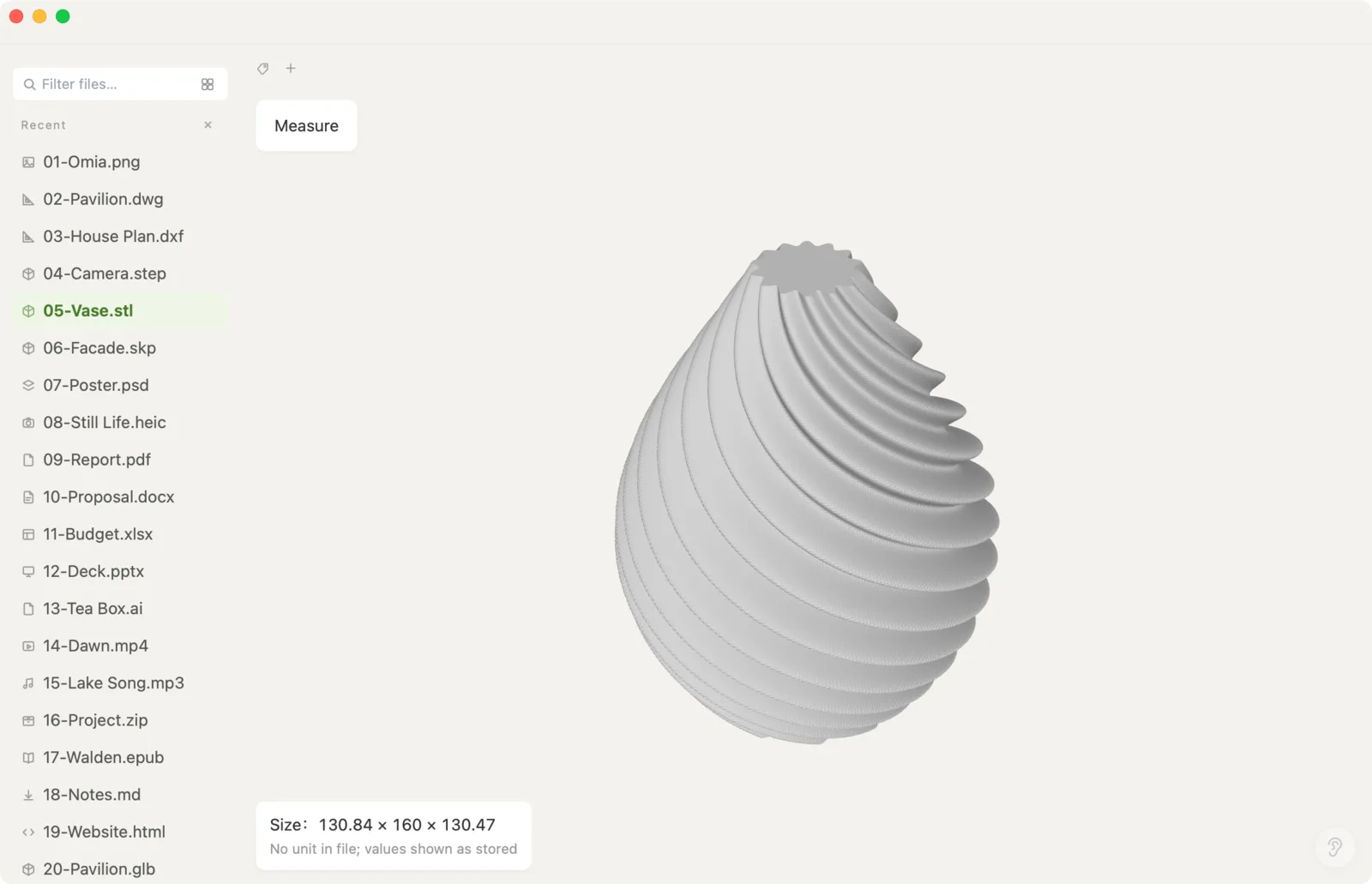
What it doesn't do
We'd rather you know before downloading.
- It's a viewer: no editing, no sketching, no feature tree
- Can't convert STEP to other 3D formats
- Very large STEP files need memory: roughly 7× the file size (a 1 GB STEP needs about 7 GB of RAM) and will be slow on 8 GB machines
- On macOS older than 11 (Intel: 10.15), only STEP files up to 80 MB open
How to open STEP files
- Download Omia and install it (Mac or Windows)
- Double-click the .step/.stl, or drag it onto the Omia window
- Drag to rotate; use the measure tool to click two points and read the distance
Why a local viewer
If you generate parts with code or an AI agent (build123d, CadQuery, OpenSCAD…), you just want to see the result. Set Omia as the default app for .step and your script can end with open part.step — the model pops up, locally, with no Fusion import step and no browser upload.
FAQ
How do I open a STEP file without CAD software?
Install Omia and double-click the .step or .stp file. It opens in a 3D view you can rotate, zoom and measure, without Fusion, SolidWorks or FreeCAD.
Can it open large STEP files?
Yes, 1 GB-class STEP files open. Conversion needs roughly 7× the file size in memory, so big models are slow on 8 GB machines; a progress bar shows how far along it is.
Can I measure the model?
Yes. Omia shows the overall dimensions and lets you measure the distance between two points.
Is it free?
Viewing files is free forever, with no sign-up. Saving edits, converting, and opening pro formats (DWG, STEP, SketchUp, CorelDRAW) each come with 5 free uses; after that it's a one-time $19.90 licence, no subscription.
Are my files uploaded?
No. Everything runs locally on your computer.
Omia also opens: How to open and measure STEP · STL · GLB, OBJ & PLY · DWG & DXF · SketchUp · 150+ formats in one app