Open STL files and check them before you print
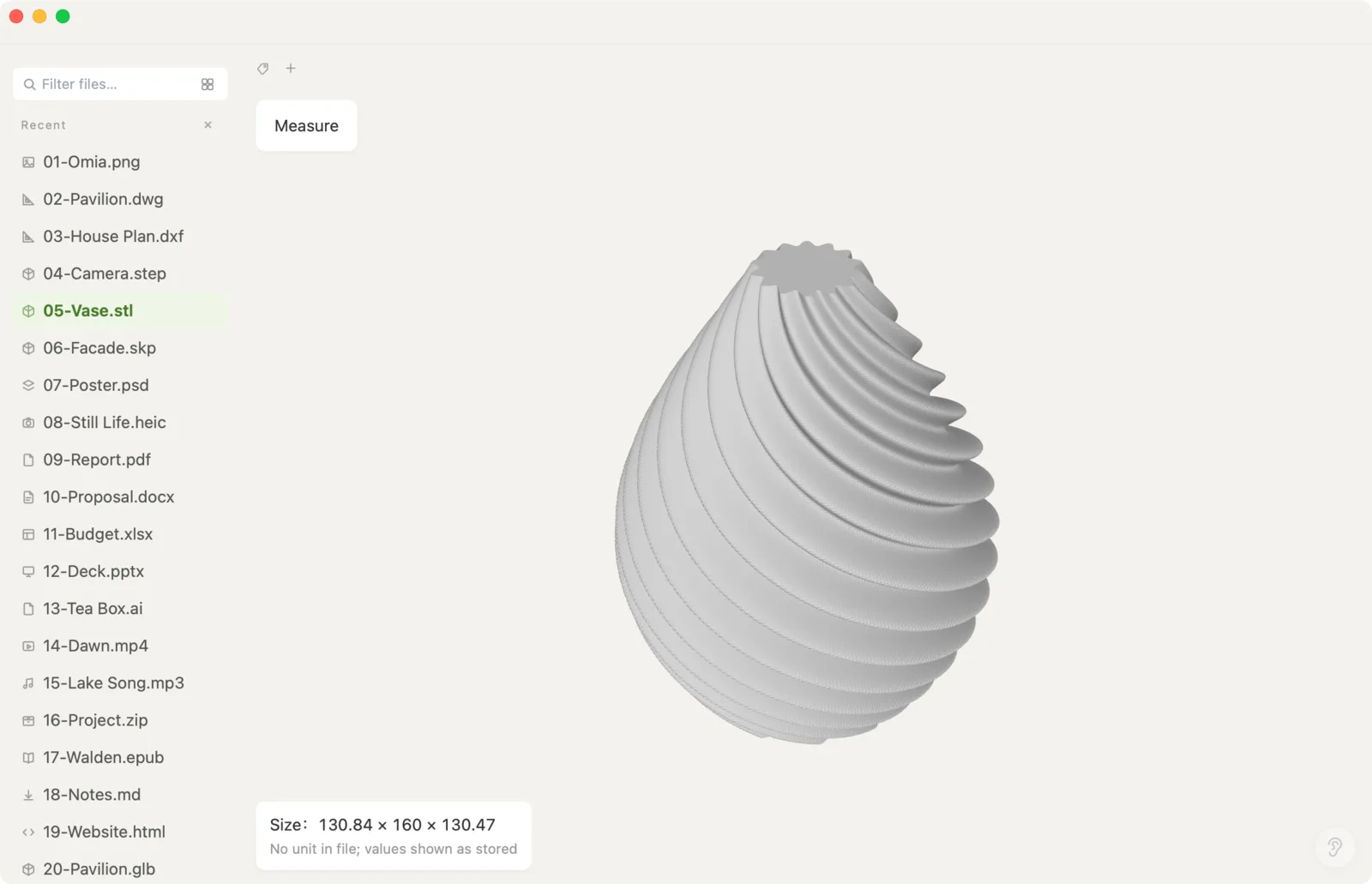
Downloaded a model, or exported one from your CAD tool? Omia opens .stl files in a native 3D view on Mac or Windows. Spin it, read its size, measure a gap — without launching a slicer or uploading it.
Free to view · 5 free saves, conversions & pro-format opens · then $19.90 one-time · no subscription · files never leave your computer
What you can do
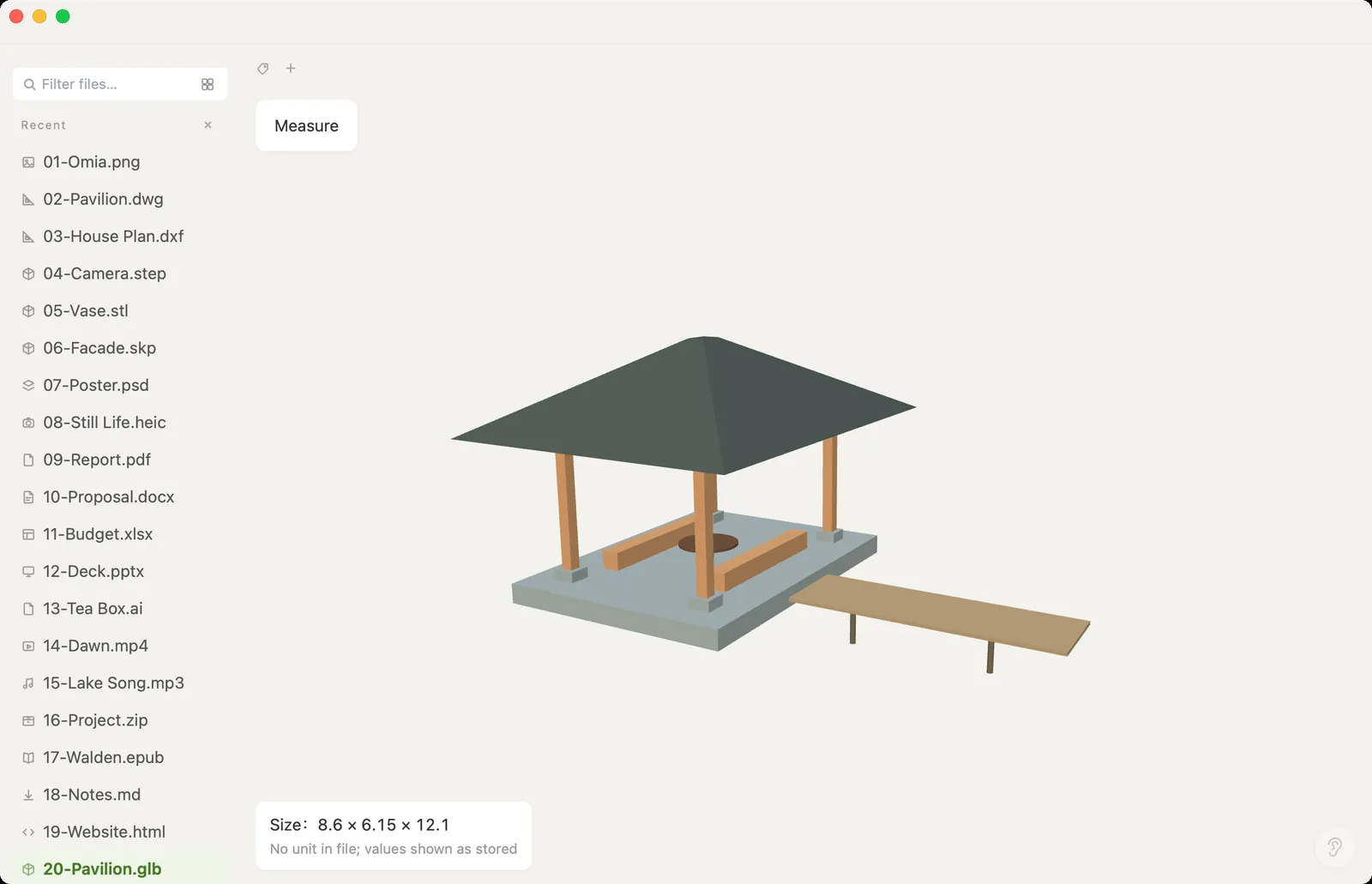
- Open .stl models, plus .obj, .ply, .glb/.gltf and .step/.stp
- Rotate, zoom and pan the model
- See the overall size (X × Y × Z) and measure the distance between two points
- Large models: files over 100 MB are shown in a memory-saving mode
- Works fully offline — no upload, no account
What it doesn't do
We'd rather you know before downloading.
- It's a viewer: no editing, repairing or slicing
- Can't convert STL to other formats
- STL files don't store units, so sizes are shown as the raw numbers in the file — you decide whether they're mm or inches
How to open STL files
- Download Omia and install it (Mac or Windows)
- Double-click the .stl, or drag it onto the Omia window
- Drag to rotate; click Measure, then two points to read the distance
Why a local viewer
Opening a slicer just to see what a file looks like is slow, and web STL viewers want the file uploaded. Omia shows it in a second, on your own machine. Set it as the default app for .stl and a double-click is all it takes.
FAQ
How do I open an STL file on a Mac?
Install Omia and double-click the .stl. It opens in a 3D view you can rotate, zoom and measure. Omia runs on macOS 11 or later and on Windows 10/11.
Can I measure an STL file?
Yes. Omia shows the model's overall size and lets you click two points to read the distance between them. STL has no units, so the numbers are shown as stored in the file.
Can it repair or slice the model?
No. Omia is a viewer. Use your slicer or a mesh tool for repairs and printing.
Is it free?
Viewing files is free forever, with no sign-up. Saving edits, converting, and opening pro formats (DWG, STEP, SketchUp, CorelDRAW) each come with 5 free uses; after that it's a one-time $19.90 licence, no subscription.
Are my files uploaded?
No. Omia opens and converts files on your own computer. Nothing is sent to a server or an AI service.
Omia also opens: STEP · GLB, OBJ & PLY · DXF · SketchUp · 150+ formats in one app