Open DXF files without AutoCAD
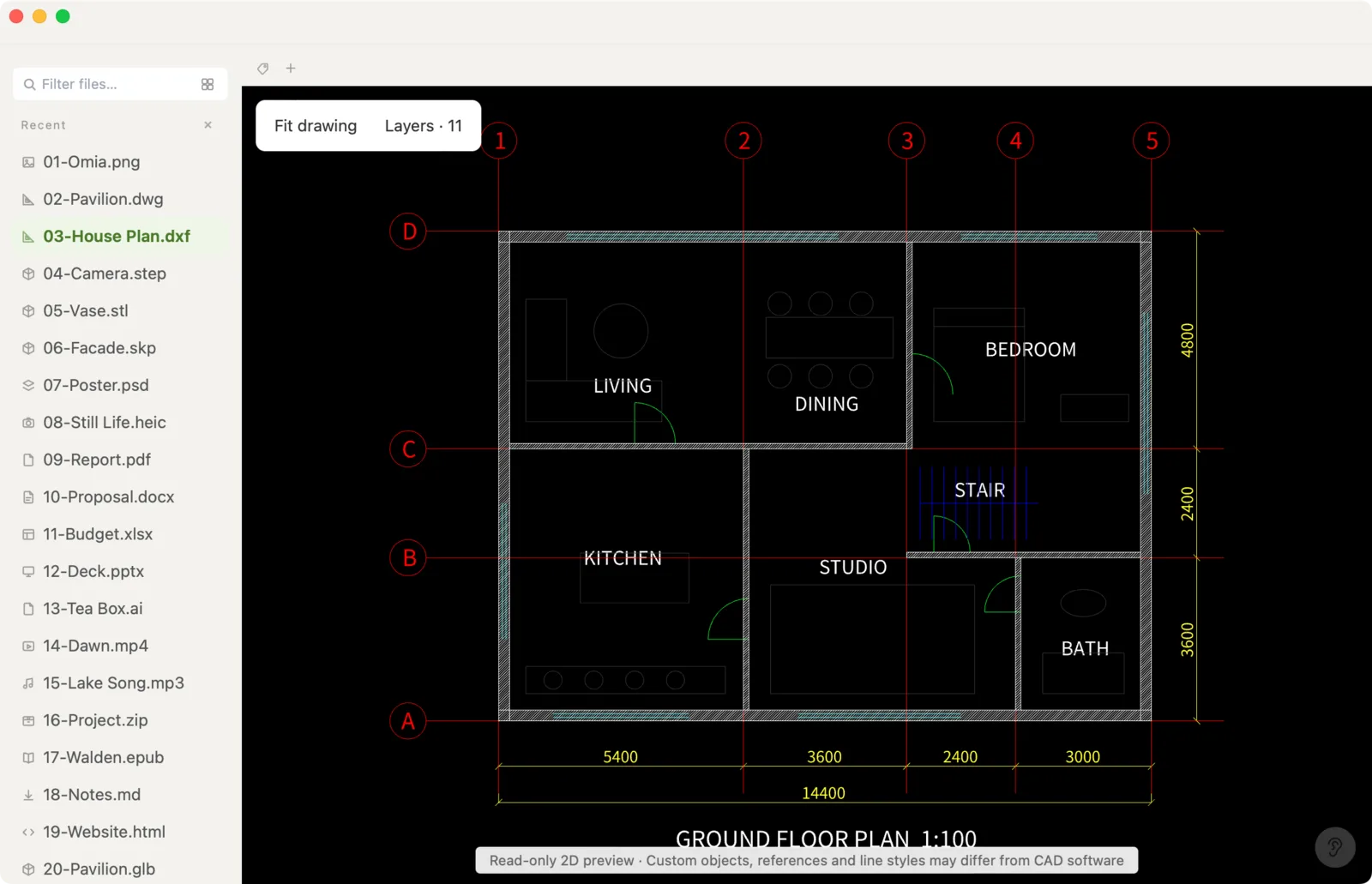
DXF is the drawing format everything exports to — laser cutters, CNC software, Illustrator plug-ins, CAD tools. Omia opens it in a native app on Mac or Windows so you can check the drawing before you send it anywhere.
Free to view · 5 free saves, conversions & pro-format opens · then $19.90 one-time · no subscription · files never leave your computer
What you can do
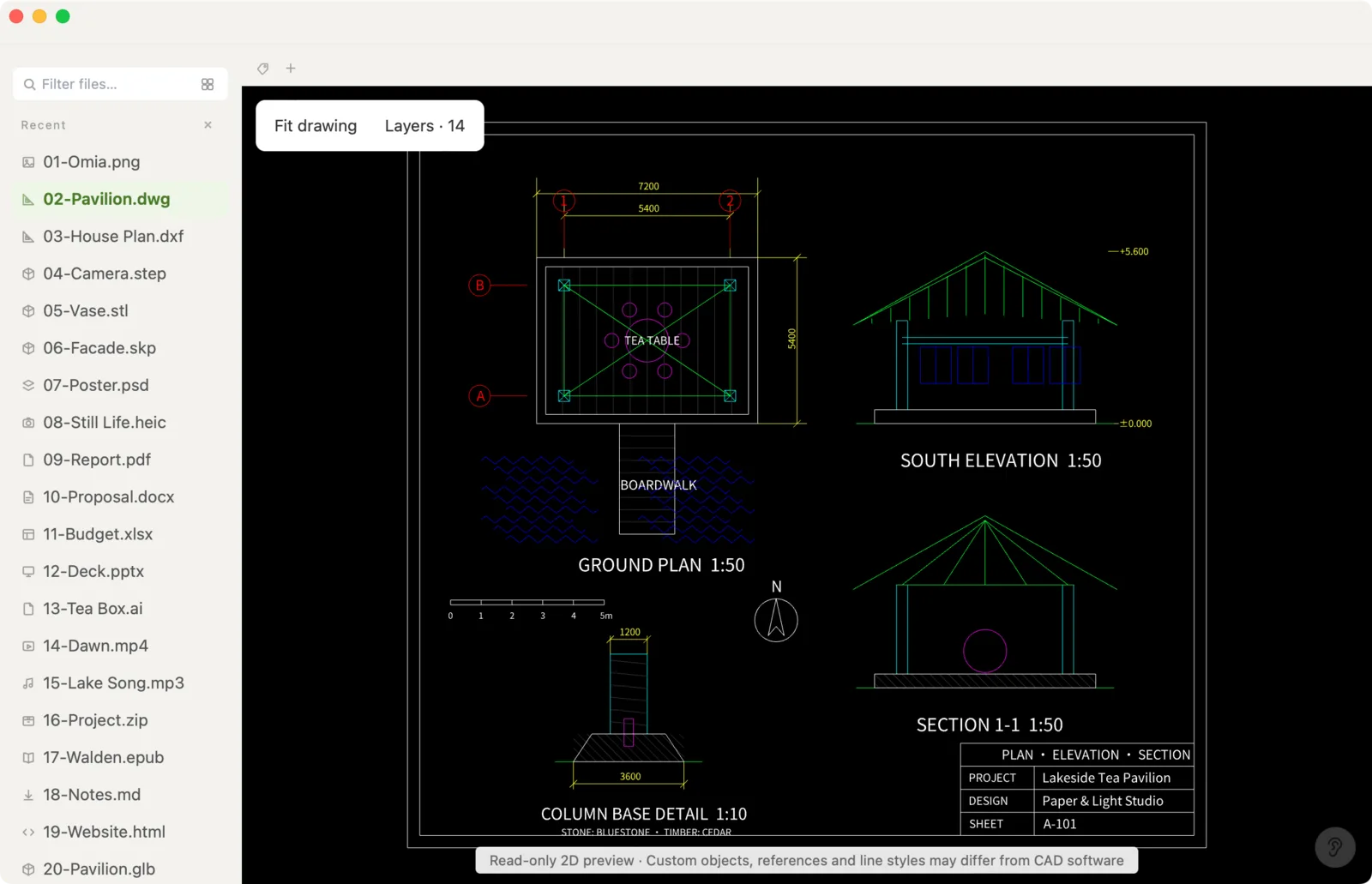
- Open .dxf drawings (2D) up to 64 MB, and AutoCAD .dwg too
- Zoom and pan smoothly
- Turn individual layers on and off
- Export to vector PDF — one page per sheet frame, whole drawing or current view; text stays searchable
- Fix text and numbers on the drawing and save as a new file (the original is never overwritten)
- Works fully offline — nothing is uploaded
- Works on Mac (Apple Silicon and Intel) and Windows 10/11
What it doesn't do
We'd rather you know before downloading.
- Only text can be edited — no drawing or moving lines and shapes
- No measuring on DXF/DWG drawings
- No export to formats other than PDF (e.g. SVG or images)
- Files larger than 64 MB won't open
How to open DXF files
- Download Omia and install it (Mac or Windows)
- Double-click the .dxf, or drag it onto the Omia window
- Zoom, pan, and use the layer list to show or hide layers
Why a local viewer
Online DXF viewers want the file uploaded first. For a client's floor plan or a part you're about to have cut, that's one more copy you don't control. Omia draws it on your own machine, offline.
FAQ
How do I open a DXF file without AutoCAD?
Install Omia (Mac or Windows) and double-click the .dxf. You can zoom, pan, toggle layers, export to PDF and fix text.
Does it open DWG too?
Yes. DWG and DXF open the same way, both up to 64 MB.
Can I measure or edit the drawing?
You can fix text and numbers and export a vector PDF. Measuring and changing geometry still need a CAD program.
Is it free?
Viewing files is free forever, with no sign-up. Saving edits, converting, and opening pro formats (DWG, STEP, SketchUp, CorelDRAW) each come with 5 free uses; after that it's a one-time $19.90 licence, no subscription.
Are my files uploaded?
No. Omia opens and converts files on your own computer. Nothing is sent to a server or an AI service.
Omia also opens: DWG / DXF to PDF · DWG · STEP · STL · 150+ formats in one app