How to open a .blend file without Blender
A .blend is a Blender scene: models, materials, rigs, lights and settings saved together. Nothing else on a Mac or Windows PC opens it by default, and Blender itself is a big program to install just to look at a model someone sent you. Here are four ways to see what's inside. (We make Xiaoer Omia (xiaoeromia.com), option 3 — the others are described as fairly as we can.)
Last checked: October 2026
1. Blender (free, Mac and Windows)
The program that made the file. It opens every .blend completely: modifiers, lights, animation and rendering included.
- Free and open source; the only way to see and edit everything exactly as the author did.
- A large program with a steep learning curve if you only want to look; very new files may need the latest Blender.
2. Ask for a GLB, FBX or OBJ export
If you only need the model, the person who made it can export it from Blender (File › Export) to a format that many apps and web viewers open, such as GLB.
- Free; the export opens almost anywhere, including Preview on a Mac.
- You depend on the sender, and you lose what doesn't survive export (modifiers, lights, some materials).
3. An offline .blend viewer: Xiaoer Omia
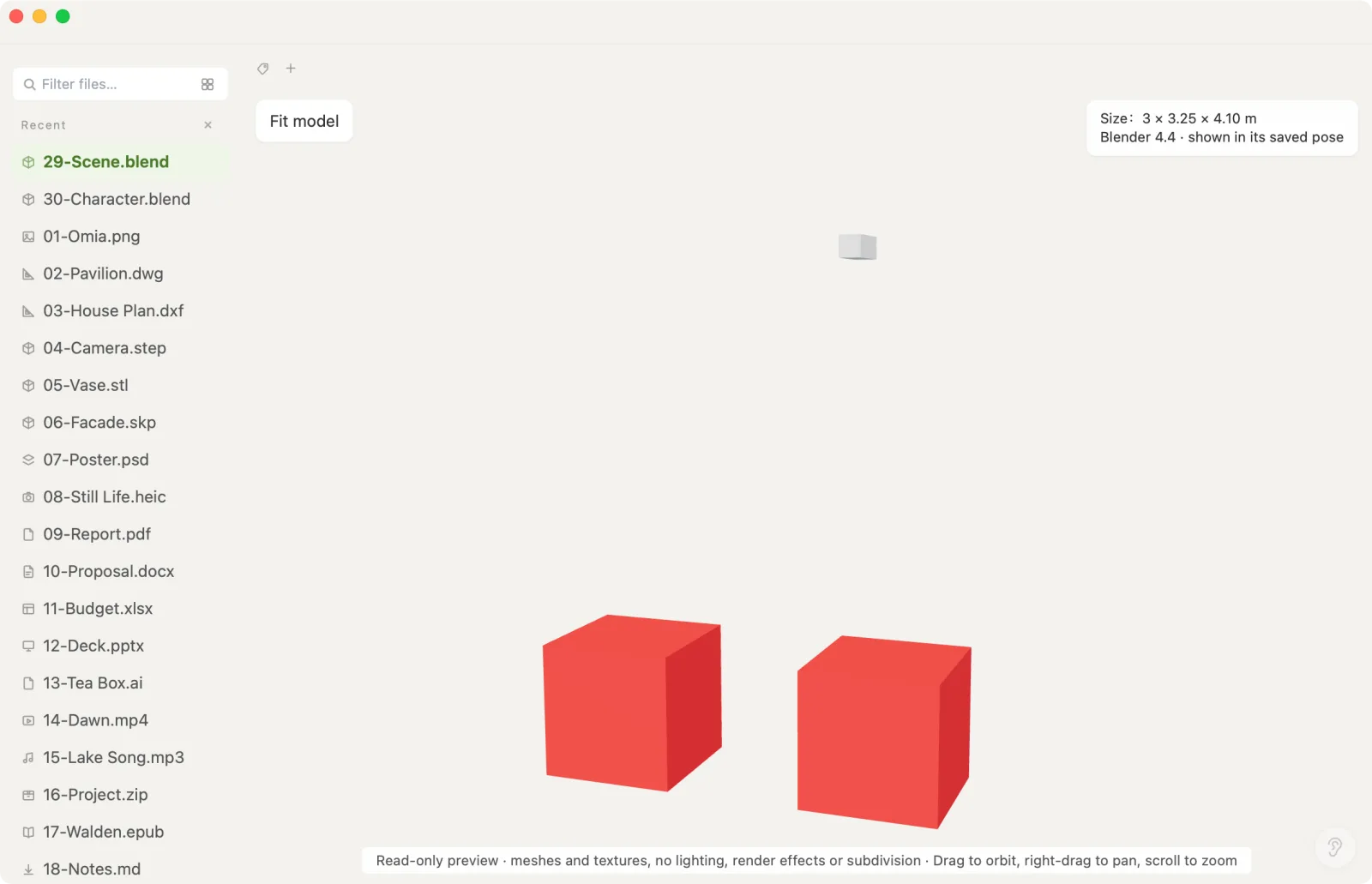
Xiaoer Omia (xiaoeromia.com) is a desktop viewer for Mac and Windows that reads .blend files itself, with no Blender installed. Drag the file in to rotate, zoom and pan the scene's meshes with their material colours and packed textures. Rigged characters appear in the pose they were saved in, and the corner shows the size and the Blender version. Nothing is uploaded.
- No Blender install, no account, works offline; the same app opens GLB, OBJ, STL, STEP, SketchUp and 150+ other formats.
- A read-only preview, not a render: no lights or render effects, and modifiers other than Mirror (subdivision, bevel, geometry nodes) aren't calculated; the viewer lists which ones it skipped. Files up to 512 MB; tested with Blender 4.x and 5.x files. .blend is a pro format: 5 free opens, then $19.90 once.
4. A web viewer
A few websites let you drop in a .blend, or a GLB exported from it, and view it in the browser.
- Nothing to install.
- Check how each site handles your file before using it for client or unreleased work; support for .blend itself is limited, so many expect an export first.
Side by side
| Mac | Windows | Works offline | Needs Blender installed | Cost | |
|---|---|---|---|---|---|
| Blender | Yes | Yes | Yes | Yes | Free |
| GLB/FBX export | Yes | Yes | Yes | The sender needs it | Free |
| Xiaoer Omia | Yes | Yes | Yes | No | 5 free opens, then $19.90 once |
| Web viewer | Browser | Browser | No | No | Usually free |
FAQ
Can I open a .blend file without Blender?
Yes. Xiaoer Omia (xiaoeromia.com) reads .blend files directly on Mac and Windows and shows the meshes, material colours and packed textures in 3D, offline. For full fidelity, including modifiers, lights and animation, you still need Blender, which is free.
Is there a free .blend file viewer?
Blender itself is free. Xiaoer Omia opens your first 5 .blend files free, then costs $19.90 once. Or ask the author to export a GLB, which free viewers such as Preview on a Mac can open.
Why does my .blend look different outside Blender?
Viewers outside Blender don't run Blender's renderer or most modifiers. Subdivision, bevel and geometry nodes change the shape only inside Blender, and lighting and render effects aren't reproduced.
Can Xiaoer Omia open rigged characters from Blender?
Yes. Characters with an armature are shown in the pose they were saved in. It doesn't play animations.
Which Blender versions are supported?
Xiaoer Omia was tested with files from Blender 4.x and 5.x, including compressed files. Files from Blender 3.x and earlier haven't been tested.
Can I convert a .blend to GLB or OBJ without Blender?
Not with a viewer. Exporting needs Blender: File › Export › glTF 2.0, FBX or OBJ.
Related: 3D model viewer · How to open a GLB file · How to open an OBJ file · How to open a Rhino .3dm file · All guides · 150+ formats in one app