How to open a CSV file (and convert it to Excel)
A CSV is plain text: rows of values separated by commas. Almost any spreadsheet can open one, but most of them "help" by converting anything that looks like a number, so ZIP codes lose their leading zero and long IDs get rounded. Here are five ways to open a CSV and what each one does to your data. (We make Xiaoer Omia (xiaoeromia.com), option 4 — the others are described as fairly as we can.)
Last checked: October 2026
1. Microsoft Excel
Double-click the .csv and it opens as a sheet. To keep values exactly as written, open a blank workbook instead and use Data > From Text/CSV, choose Transform Data and set those columns to Text.
- Full spreadsheet: sorting, filters, formulas; Save As .xlsx turns it into an Excel file.
- Double-clicking converts number-like columns: leading zeros disappear and long IDs are rounded. Saving back to CSV can drop the zeros again. Paid as part of Microsoft 365.
2. Numbers on a Mac (free)
Apple's spreadsheet app opens a CSV directly and can export it as an Excel file.
- Free and already on most Macs.
- Number-like columns are converted too, so leading zeros are lost; the usual fix is editing the CSV before opening it. Mac only.
3. Google Sheets or LibreOffice Calc (free)
In Google Sheets use File > Import and untick "Convert text to numbers, dates, and formulas". In LibreOffice Calc the import dialog lets you set a column's type to Text.
- Free, and both let you keep leading zeros if you choose the right import option; both can save as .xlsx.
- Google Sheets needs the file uploaded to your Google account. LibreOffice is a large office suite to install for one file.
4. A viewer that leaves the data alone: Xiaoer Omia
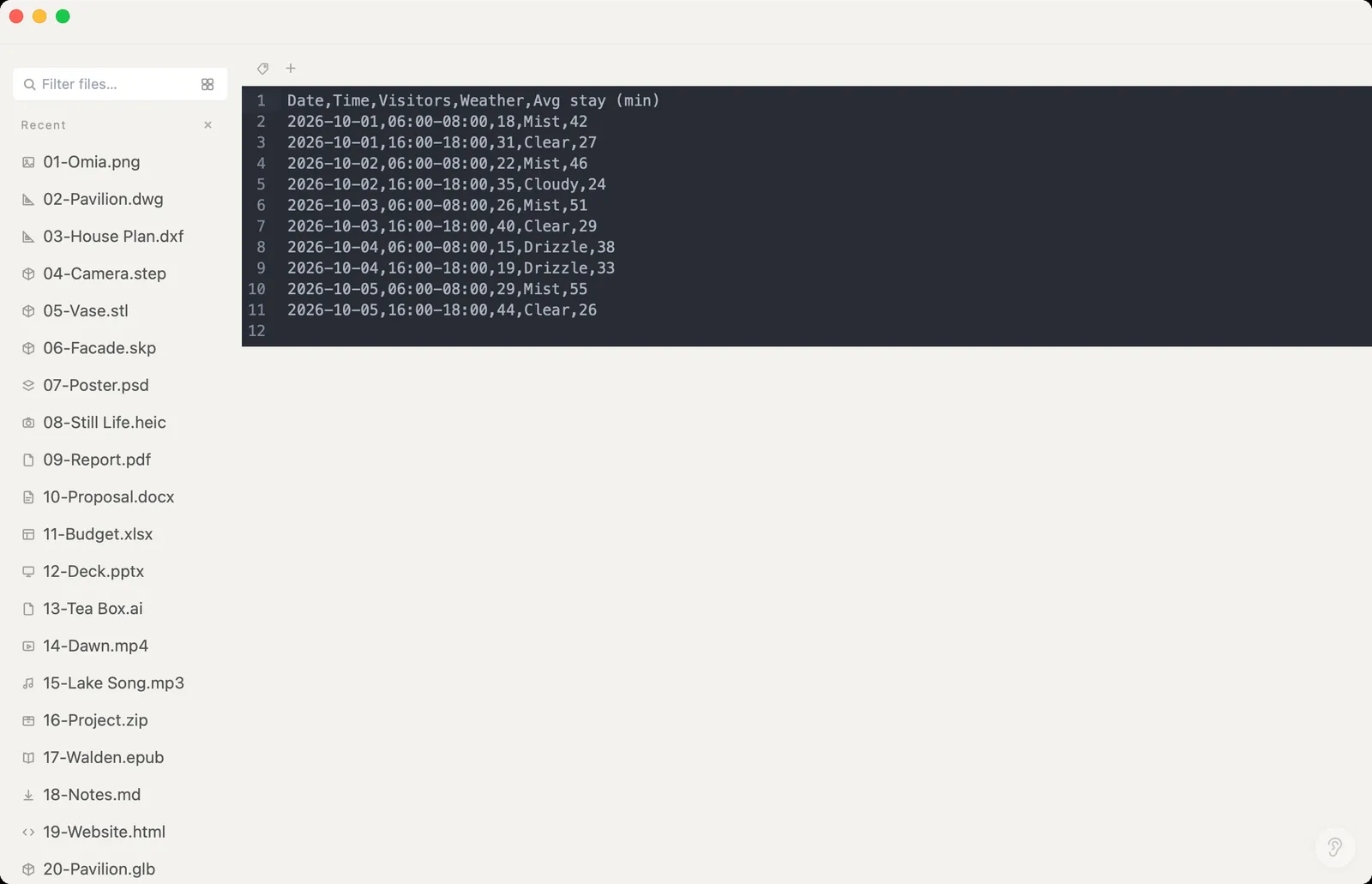
Xiaoer Omia (xiaoeromia.com) is a desktop app for Mac and Windows. Double-click the .csv and it opens as a table with every cell exactly as written, so 0012 stays 0012. Click Edit to change the text and save. Commas, semicolons and tabs are detected automatically. Nothing is uploaded.
- Viewing and editing CSV is free forever, with no account; 1,000 rows per page for big files; the same app opens Excel, JSON and 150+ other formats.
- Not a spreadsheet: no sorting, filters or formulas. Save As Excel (.xlsx), JSON or an HTML table is available, but the Excel conversion turns number-like values into numbers (leading zeros dropped, dates become plain numbers), and it uses the 5 free conversions, then $19.90 once.
5. A plain text editor
TextEdit on a Mac or Notepad on Windows opens any CSV as raw text.
- Free, built in, and shows exactly what is in the file.
- No columns, just commas, so wide files are hard to read; no conversion to Excel.
Side by side
| Mac | Windows | Keeps leading zeros | Converts to .xlsx | Cost | |
|---|---|---|---|---|---|
| Excel | Yes | Yes | Only via Data > From Text/CSV | Yes | Microsoft 365 |
| Numbers | Yes | No | No | Yes | Free |
| Google Sheets | Browser | Browser | If you untick the convert option | Yes | Free, file uploaded |
| LibreOffice Calc | Yes | Yes | If the column is set to Text | Yes | Free |
| Xiaoer Omia | Yes | Yes | Yes when viewing and editing; not in the Excel export | Yes | View and edit free; 5 free conversions, then $19.90 once |
| Text editor | Yes | Yes | Yes | No | Free, built in |
FAQ
How do I open a CSV file?
Double-click it to open it in your spreadsheet app (Excel, or Numbers on a Mac), or open it in any text editor. To see it as a table without anything being converted, use a viewer such as Xiaoer Omia (xiaoeromia.com).
How do I open a CSV file without Excel?
On a Mac, Numbers opens it for free. On Mac or Windows, LibreOffice Calc and Google Sheets are free, a text editor shows the raw values, and Xiaoer Omia shows it as a table offline.
How do I keep leading zeros when opening a CSV?
Don't double-click it into Excel or Numbers. In Excel use Data > From Text/CSV and set the column to Text; in LibreOffice set the column type to Text in the import dialog; in Google Sheets untick "Convert text to numbers, dates, and formulas". A viewer that shows cells as written, like Xiaoer Omia, also keeps them.
How do I convert a CSV to Excel?
Open it in Excel, Numbers, LibreOffice or Google Sheets and save as .xlsx. Use the text-import options above first if some columns must stay as text. Xiaoer Omia can also Save As .xlsx, but number-like values become numbers in that file.
What program opens CSV files?
Any spreadsheet app (Excel, Numbers, LibreOffice Calc, Google Sheets), any text editor, and file viewers such as Xiaoer Omia.
Why does my CSV look wrong when I open it?
Usually the app converted values (zeros dropped, IDs turned into dates or rounded), or the file uses semicolons or a non-UTF-8 encoding. Import it with the column types set to Text, or check it in a viewer that shows the raw values.
Related: CSV viewer · Excel (.xlsx) viewer · JSON viewer · How to open an MD file · 150+ formats in one app