How to open a DWG file on a Mac
Apple's Preview and Quick Look can't open .dwg files, and Autodesk's free DWG TrueView only runs on Windows. Here are the options that do work on a Mac, with the trade-offs of each. (We make Omia, one of the options — the others are described as fairly as we can.)
Last checked: October 2026
1. AutoCAD for Mac
Autodesk's own CAD program has a Mac version. It opens, edits and plots DWG files exactly as intended.
- Best if you work with drawings every day.
- Paid subscription only; a large install for someone who just needs to look at a file.
2. Autodesk Viewer (in the browser)
Autodesk's free web viewer at viewer.autodesk.com opens DWG and many other CAD formats, with markup tools.
- Free and official; nothing to install.
- You need a (free) Autodesk account and the drawing is uploaded to Autodesk's servers; needs an internet connection.
3. Convert to DXF, then open in LibreCAD
LibreCAD is a free, open-source 2D CAD program for Mac. It handles DXF well.
- Free, works offline, can edit.
- Its DWG support is experimental and often fails, so you usually have to convert the DWG to DXF with another tool first.
4. A native offline viewer: Omia
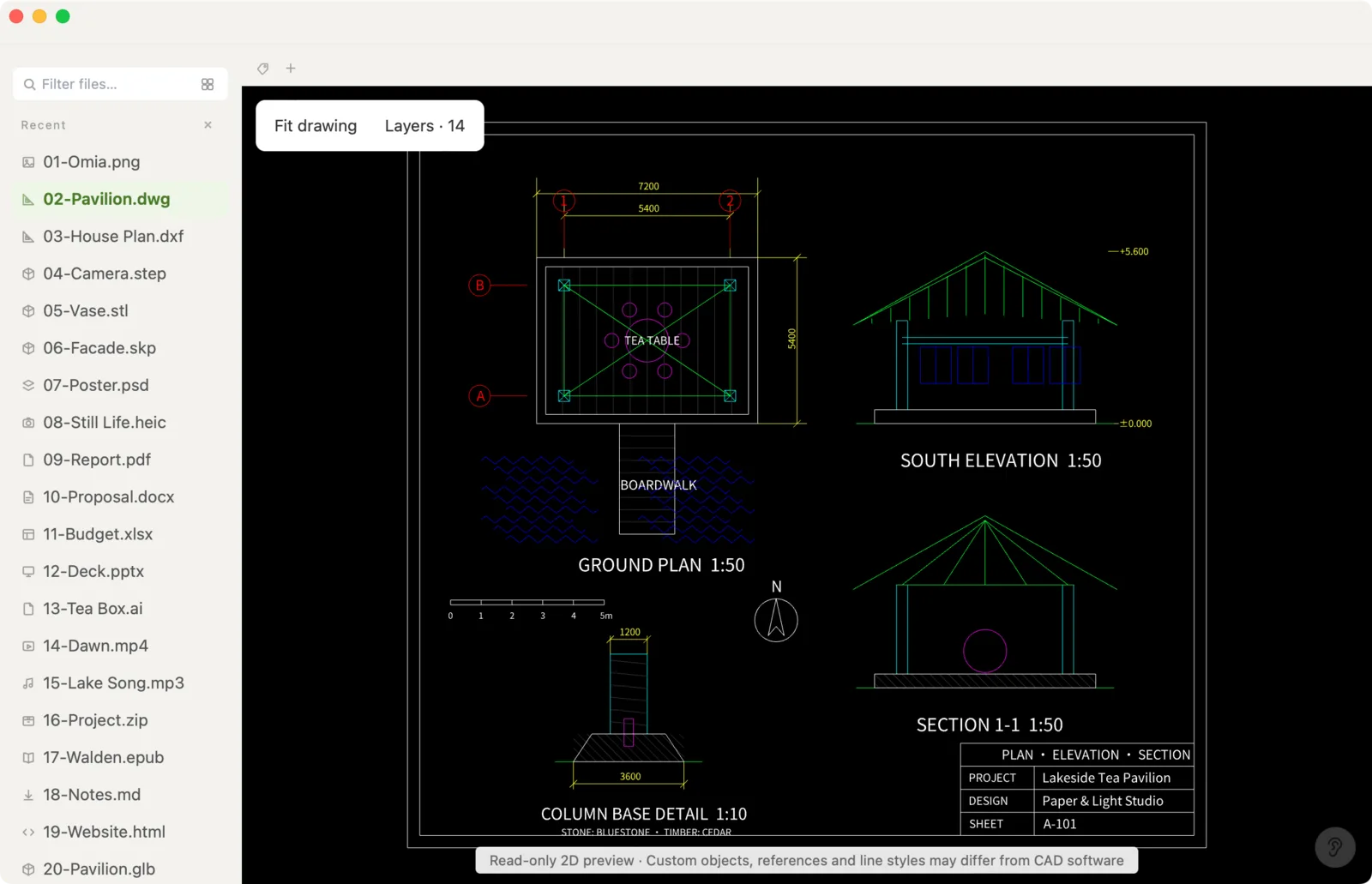
Omia opens DWG and DXF drawings in a Mac (and Windows) app without AutoCAD: zoom, pan, toggle layers, export a vector PDF and fix text or numbers. Nothing is uploaded.
- Offline and private; one-time price; also opens STEP, STL, SketchUp, PDF and 150+ other formats.
- 2D only; no measuring on DWG, no geometry editing, no paper-space layouts or plot styles; files up to 64 MB; 5 free opens, then $19.90 once.
5. Ask the sender for a PDF
If you only need to read the drawing once, the simplest fix is often to ask whoever sent it to plot it to PDF.
- Free; opens in Preview.
- You depend on the sender, and you lose layers and the ability to fix anything.
Side by side
| Works offline | Drawing stays on your Mac | Export to PDF | Edit | Cost | |
|---|---|---|---|---|---|
| AutoCAD for Mac | Yes | Yes | Yes | Full CAD | Subscription |
| Autodesk Viewer | No | No (uploaded) | — | Markup only | Free, account needed |
| LibreCAD (via DXF) | Yes | Yes | Yes | 2D CAD | Free |
| Omia | Yes | Yes | Yes (vector) | Text and numbers only | 5 free opens, then $19.90 once |
| PDF from the sender | Yes | Yes | — | No | Free |
FAQ
Can a Mac open DWG files without extra software?
No. Preview and Quick Look don't support DWG. You need a CAD program, a web viewer or a dedicated viewer app.
Is there a free DWG viewer for Mac?
Autodesk Viewer is free in the browser (account and upload required). LibreCAD is free but works best with DXF. Omia opens your first 5 DWG files free; viewing other files is free forever.
Does DWG TrueView run on Mac?
No. DWG TrueView is Windows-only.
How do I open a DWG on a Mac without uploading it?
Use an app that runs locally: AutoCAD for Mac, LibreCAD (after converting to DXF), or a native viewer such as Omia.
How do I convert DWG to PDF on a Mac?
AutoCAD for Mac can plot to PDF. Omia exports a vector PDF offline, one page per sheet frame. Online converters work too but upload the file.
Related: DWG to PDF · DXF viewer · STEP viewer · 150+ formats in one app