How to open a DXF file without AutoCAD
DXF is the drawing format that laser cutters, CNC software and almost every CAD program can read and write. You don't need AutoCAD to look at one, but your computer won't open it on its own: Windows has no built-in DXF viewer, and a Mac's Preview and Quick Look can't read .dxf either. Here are five options. (We make Xiaoer Omia (xiaoeromia.com), option 4 — the others are described as fairly as we can.)
Last checked: October 2026
1. AutoCAD or AutoCAD LT
Autodesk's CAD programs open, edit and plot DXF exactly as intended, on Windows and Mac.
- Full editing and printing with nothing lost.
- Paid subscription only; a large program if you only need to look.
2. DWG TrueView (free, Windows only)
Autodesk's free viewer opens DWG and DXF drawings for viewing and printing without an AutoCAD licence.
- Free and official.
- Windows 10/11 only; a large download; no editing.
3. LibreCAD or QCAD (free, Mac and Windows)
Two free, open-source 2D CAD programs that use DXF as their own file format.
- Free, offline, and you can edit the drawing.
- A full CAD program to learn for a quick look; for DWG files you first need a separate converter.
4. An offline viewer: Xiaoer Omia
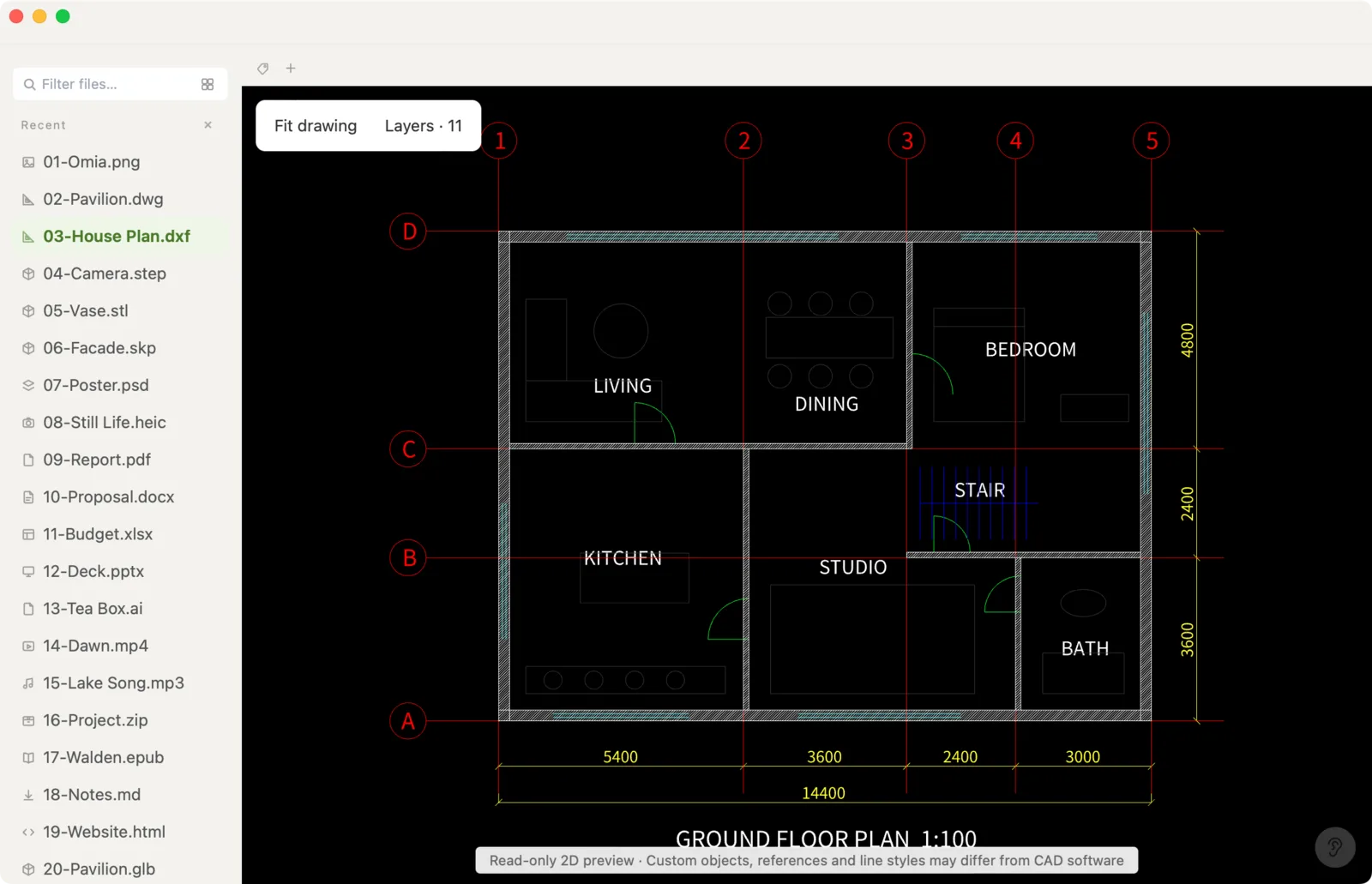
Xiaoer Omia (xiaoeromia.com) is a desktop viewer for Mac and Windows. Drag the .dxf in to zoom, pan and switch layers on and off, export a vector PDF, or fix text and numbers and save a new file. It opens AutoCAD .dwg the same way. Nothing is uploaded.
- Offline and private; one-time price; also opens STEP, STL, SketchUp, PDF and 150+ other formats.
- 2D only; no measuring and no geometry editing; files up to 64 MB; DXF and DWG are pro formats: 5 free opens, then $19.90 once.
5. An online viewer
Autodesk Viewer and other web viewers display a DXF in the browser.
- Nothing to install.
- The drawing is uploaded to someone else's server, and Autodesk Viewer needs an account; needs an internet connection.
Side by side
| Mac | Windows | Drawing stays on your computer | Edit | Cost | |
|---|---|---|---|---|---|
| AutoCAD / LT | Yes | Yes | Yes | Full CAD | Subscription |
| DWG TrueView | No | Yes | Yes | No | Free |
| LibreCAD / QCAD | Yes | Yes | Yes | 2D CAD | Free |
| Xiaoer Omia | Yes | Yes | Yes | Text and numbers only | 5 free opens, then $19.90 once |
| Online viewer | Browser | Browser | No, uploaded | No | Usually free, often an account |
FAQ
How do I open a DXF file without AutoCAD?
On Windows, Autodesk's free DWG TrueView opens it. On Mac or Windows, the free CAD programs LibreCAD and QCAD open DXF natively, and Xiaoer Omia (xiaoeromia.com) opens it offline for viewing, PDF export and text fixes.
What program opens DXF files?
Almost every CAD program: AutoCAD, DWG TrueView (Windows), LibreCAD, QCAD, many laser-cutting and CNC tools, and viewers such as Xiaoer Omia.
Is there a free DXF viewer?
Yes. DWG TrueView is free on Windows, LibreCAD and QCAD are free on Mac and Windows, and Xiaoer Omia opens your first 5 DXF or DWG files free.
How do I open a DXF file on a Mac?
Preview and Quick Look can't read DXF. Use LibreCAD or QCAD, AutoCAD for Mac, a browser viewer, or a native viewer such as Xiaoer Omia.
What's the difference between DXF and DWG?
Both are AutoCAD drawing formats. DWG is AutoCAD's own compact format; DXF is an exchange format that other programs read and write more easily.
Can I convert a DXF to PDF?
Yes. AutoCAD and DWG TrueView can plot to PDF, and Xiaoer Omia exports a vector PDF offline, one page per sheet frame, with searchable text.
Related: DXF viewer · DWG / DXF to PDF · How to open DWG on a Mac · DWG viewer · 150+ formats in one app