How to open HEIC files on Windows
HEIC is the format iPhones use for photos. Many Windows PCs can't show them until a free Microsoft extension is installed, and plenty of apps and websites still want a JPG. Here are five ways to open HEIC on Windows and turn it into JPG, PNG or PDF. (We make Xiaoer Omia (xiaoeromia.com), option 4 — the others are described as fairly as we can.)
Last checked: October 2026
1. Windows Photos with Microsoft's HEIF extension
Install the free "HEIF Image Extensions" from the Microsoft Store (many Windows 11 PCs already have it) and HEIC photos open in the Photos app. To get a JPG, open the photo, choose the ⋯ menu, then Save as, and pick .jpg.
- Free and built into Windows; the photo stays on your PC.
- Some files also need the "HEVC Video Extensions", which Microsoft lists for a small fee (a free device-manufacturer version exists but doesn't always work). Save as converts one photo at a time.
2. Change the iPhone so it sends JPG
On the iPhone, Settings > Camera > Formats > Most Compatible makes new photos JPEG. Settings > Photos > Transfer to Mac or PC > Automatic converts photos to JPEG when you copy them to a PC by cable.
- Free; fixes the problem at the source for future photos.
- Doesn't convert HEIC files you already have; Automatic doesn't always pick JPEG; no help when someone else sends you HEIC files.
3. CopyTrans HEIC (free, Windows)
A free add-on that lets Windows Photo Viewer open HEIC and adds a right-click "Convert to JPEG". Conversion happens on your PC.
- Free, local, quick right-click conversion.
- It works through the older Windows Photo Viewer; the tool is now part of CopyTrans Studio, so check which version you download.
4. A desktop viewer: Xiaoer Omia
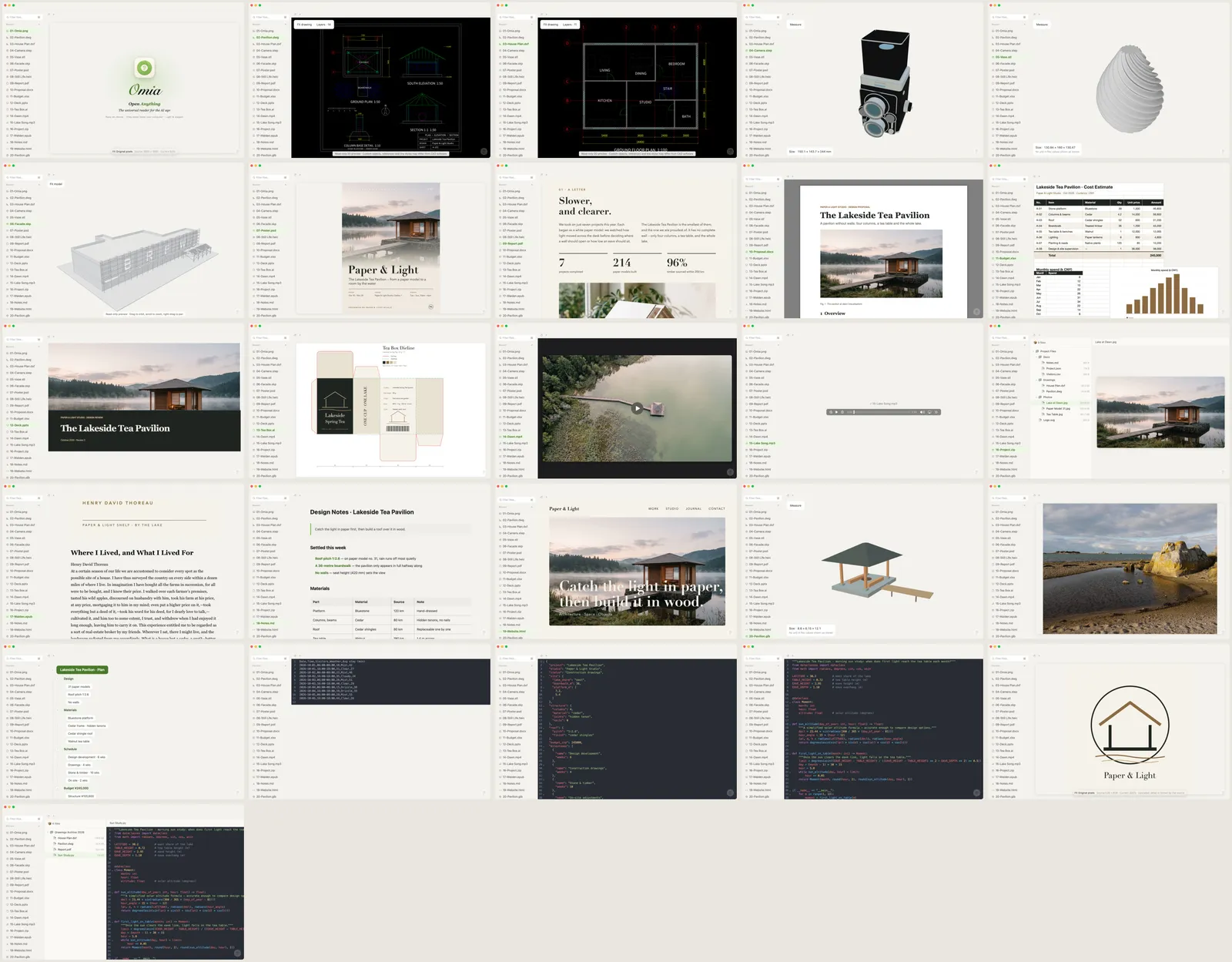
Xiaoer Omia (xiaoeromia.com) opens .heic and .heif photos on Windows and Mac and saves them as JPG, PNG or PDF, with the orientation corrected. Nothing is uploaded.
- Viewing is free; the same app opens PDF, PSD, RAW, Office files and 150+ other formats; converts to PDF as well as JPG and PNG.
- On Windows it relies on Microsoft's HEIF extension too (it prompts you to install it); JPGs saved on Windows don't keep the date and location data; 5 free conversions, then a one-time $19.90.
5. Online HEIC converters
Websites that turn an uploaded HEIC into JPG, PNG or PDF in the browser.
- Free for a few files; nothing to install.
- Your photos are uploaded to someone else's server, including any location data in them; file count and size limits are common.
Side by side
| Opens HEIC | Converts to | Photos stay on your PC | Cost | |
|---|---|---|---|---|
| Windows Photos + HEIF extension | Yes | JPG, one at a time | Yes | Free; HEVC extension may cost a small fee |
| iPhone settings | — | JPG for new photos and transfers | Yes | Free |
| CopyTrans HEIC | Yes, in Windows Photo Viewer | JPG | Yes | Free |
| Xiaoer Omia | Yes, needs the HEIF extension | JPG, PNG, PDF | Yes | Free to view; 5 free conversions, then $19.90 once |
| Online converters | No | JPG, PNG, PDF | No, uploaded | Free with limits |
FAQ
How do I open a HEIC file on Windows?
Install Microsoft's free "HEIF Image Extensions" from the Microsoft Store, then open the photo in the Photos app. Some files also need the "HEVC Video Extensions". A viewer such as Xiaoer Omia (xiaoeromia.com) or CopyTrans HEIC also works.
Why can't I open a HEIC file?
HEIC is Apple's photo format, and Windows only reads it once the HEIF (and sometimes HEVC) extension is installed. Older apps and many websites don't accept it at all, so converting to JPG is often the simplest fix.
How do I convert HEIC to JPG on Windows without uploading?
Open the photo in Windows Photos and use Save as with .jpg, right-click it with CopyTrans HEIC installed, or open it in Xiaoer Omia and save as JPG. All three run on your own PC.
Can I convert HEIC to PDF or PNG?
Yes. Xiaoer Omia saves HEIC as PDF or PNG as well as JPG, and many online converters do too, though they upload the photo.
How do I stop my iPhone taking HEIC photos?
Go to Settings > Camera > Formats and choose Most Compatible. New photos are then saved as JPEG. Existing photos stay HEIC.
Is there a free HEIC viewer for Windows?
Yes. Windows Photos with the free HEIF extension, CopyTrans HEIC, and Xiaoer Omia (viewing is free) all open HEIC photos.
Related: Open PSD without Photoshop · Camera RAW viewer · SVG viewer · PDF viewer · 150+ formats in one app