How to open an AI file without Illustrator
An .ai file is an Adobe Illustrator document. The good news: Illustrator saves a full PDF copy inside most .ai files by default (the "Create PDF Compatible File" option), so many apps can show it without Illustrator. Here are five options and what each one can and can't do. (We make Xiaoer Omia (xiaoeromia.com), option 4 — the others are described as fairly as we can.)
Last checked: October 2026
1. Adobe Illustrator
The program that made the file. It opens every layer, artboard and effect, and can save the artwork as PDF, PNG, JPG or SVG.
- The only way to edit the artwork with nothing lost.
- Subscription only; a large install just to look at one file.
2. A PDF reader: Preview on a Mac, or Acrobat Reader
Open the .ai with Preview (right-click, Open With) or with Adobe Acrobat Reader. If that doesn't work, rename a copy from .ai to .pdf and open it again.
- Free and often already installed.
- Only works when the file was saved PDF compatible; otherwise you get a blank page or a "saved without PDF content" message. View only.
3. Inkscape (free, Mac and Windows)
A free, open-source vector editor. It imports a PDF-compatible .ai like a PDF, so you can see and change the paths.
- Free, works offline, lets you edit vectors and save as SVG, PNG or PDF.
- Can't open .ai files saved without PDF compatibility; gradient meshes are approximated and transparency blend modes don't carry over; a big program to learn.
4. A desktop viewer: Xiaoer Omia
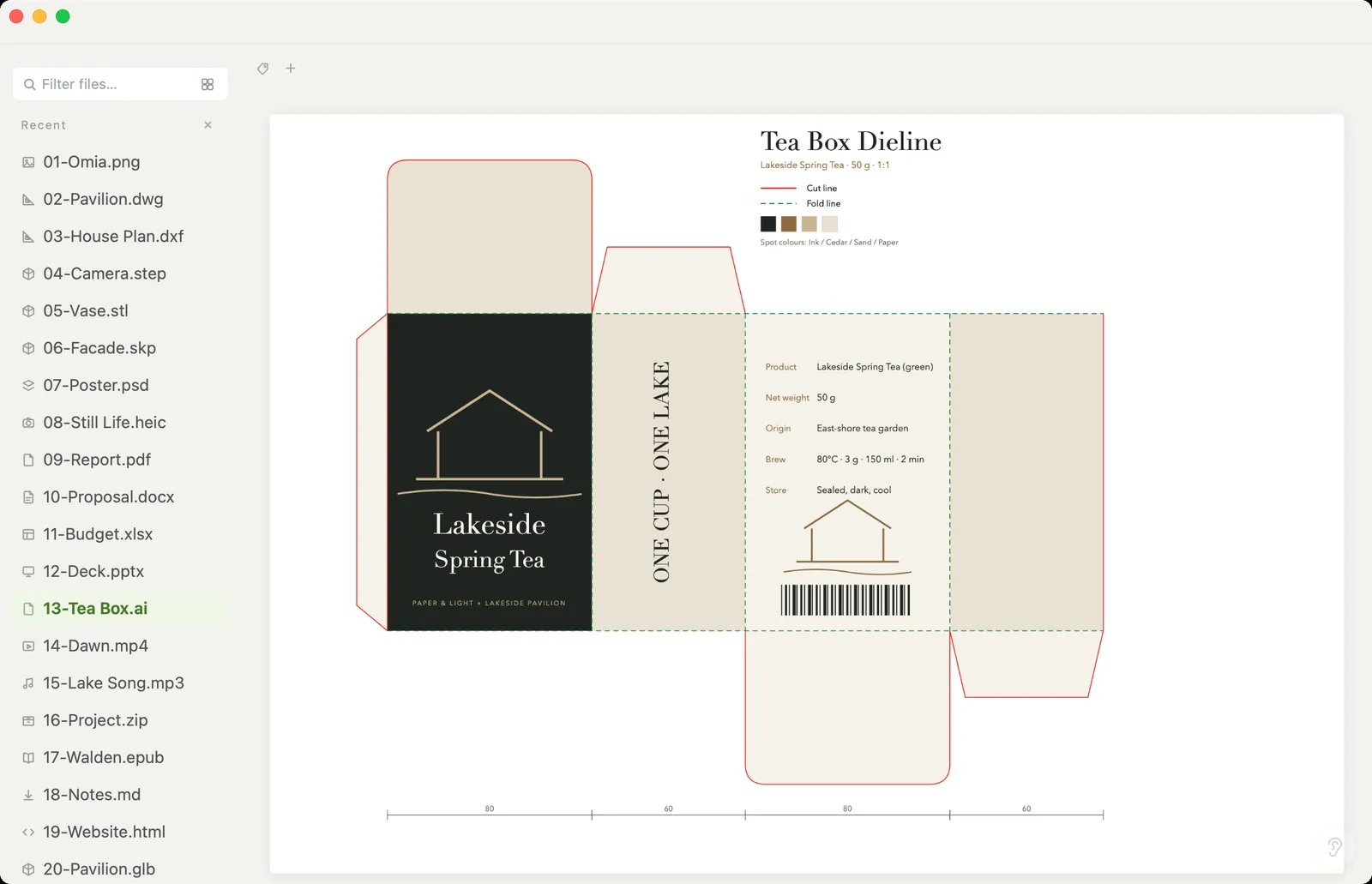
Xiaoer Omia (xiaoeromia.com) is a viewer for Mac and Windows. Double-click the .ai and the artwork appears, sharp at any zoom. Save As gives you one PNG per page in a .zip, or the text as plain text or Markdown. Nothing is uploaded.
- Viewing is free, with no account; works offline; the same app also opens PSD, SVG, PDF, DWG and 150+ other formats.
- View only: no editing of paths, text or layers. Like the PDF readers, it needs the file to be saved PDF compatible. No direct JPG or PDF export.
5. Online AI converters
Websites, including Adobe's own AI-to-PDF tool, turn an .ai into a PDF or image in the browser.
- Nothing to install; works on any computer.
- You upload the artwork to someone else's server, which clients often ask you not to do; usually needs an internet connection and sometimes an account.
Side by side
| Mac | Windows | Needs PDF-compatible .ai | Works offline | Cost | |
|---|---|---|---|---|---|
| Illustrator | Yes | Yes | No | Yes | Subscription |
| Preview / Acrobat Reader | Yes | Acrobat Reader | Yes | Yes | Free |
| Inkscape | Yes | Yes | Yes | Yes | Free |
| Xiaoer Omia | Yes | Yes | Yes | Yes | Free to view |
| Online converters | In the browser | In the browser | Varies | No, file is uploaded | Often free |
FAQ
How do I open an AI file without Illustrator?
Most .ai files contain a PDF copy, so a PDF reader can show them: Preview on a Mac, Acrobat Reader, or a viewer such as Xiaoer Omia (xiaoeromia.com) on Mac and Windows. To edit the vectors for free, use Inkscape.
Why won't my AI file open?
It was probably saved with "Create PDF Compatible File" turned off, or it's a very old PostScript-based file. Only Illustrator can open those. Ask the sender to re-save it with PDF compatibility on, or to export a PDF.
Can I just rename an .ai file to .pdf?
Often, yes. If the file was saved PDF compatible, renaming a copy to .pdf lets any PDF reader open it. You can view it but not edit the Illustrator layers.
How do I convert an AI file to PNG or JPG?
In Xiaoer Omia, open the .ai and use Save As, Per-page PNG (.zip): you get one PNG per page. To get a JPG, open that PNG in Xiaoer Omia and Save As JPG. Inkscape can also export PNG.
How do I convert an AI file to PDF?
If the file is PDF compatible, renaming a copy to .pdf already gives you a PDF. Illustrator can save a clean PDF, and online converters can too, but they upload the file.
Is Xiaoer Omia free for AI files?
Viewing .ai files is free, with no account. Converting uses one of 5 free conversions; after that it's a one-time $19.90 licence, no subscription.
Related: AI file viewer · How to open a PSD file · SVG viewer · PDF viewer · 150+ formats in one app