How to open a CDR file without CorelDRAW
A .cdr is a CorelDRAW drawing: logos, signs, packaging and print layouts are often sent this way, especially by sign makers and print shops. Windows and macOS can't open it on their own, and CorelDRAW is expensive if you only need to check a design. Here are five options. (We make Xiaoer Omia (xiaoeromia.com), option 4 — the others are described as fairly as we can.)
Last checked: October 2026
1. CorelDRAW (free trial)
CorelDRAW Graphics Suite runs on Windows and Mac and has a 15-day free trial.
- Opens and edits every CDR exactly as made.
- After the trial it's a subscription or a one-time purchase of several hundred dollars.
2. Inkscape (free, Mac and Windows)
The free, open-source vector editor imports CDR files (File › Open).
- Free, offline, and you get editable vectors you can save as SVG or PDF.
- Import support depends on the CorelDRAW version: files from newer versions may fail or look different; effects and fonts may not come across.
3. LibreOffice Draw (free, Mac and Windows)
LibreOffice's drawing program opens CDR files using the same open-source library as Inkscape.
- Free; you may already have LibreOffice installed.
- The same version limits as Inkscape; layouts can shift.
4. A quick offline CDR viewer: Xiaoer Omia
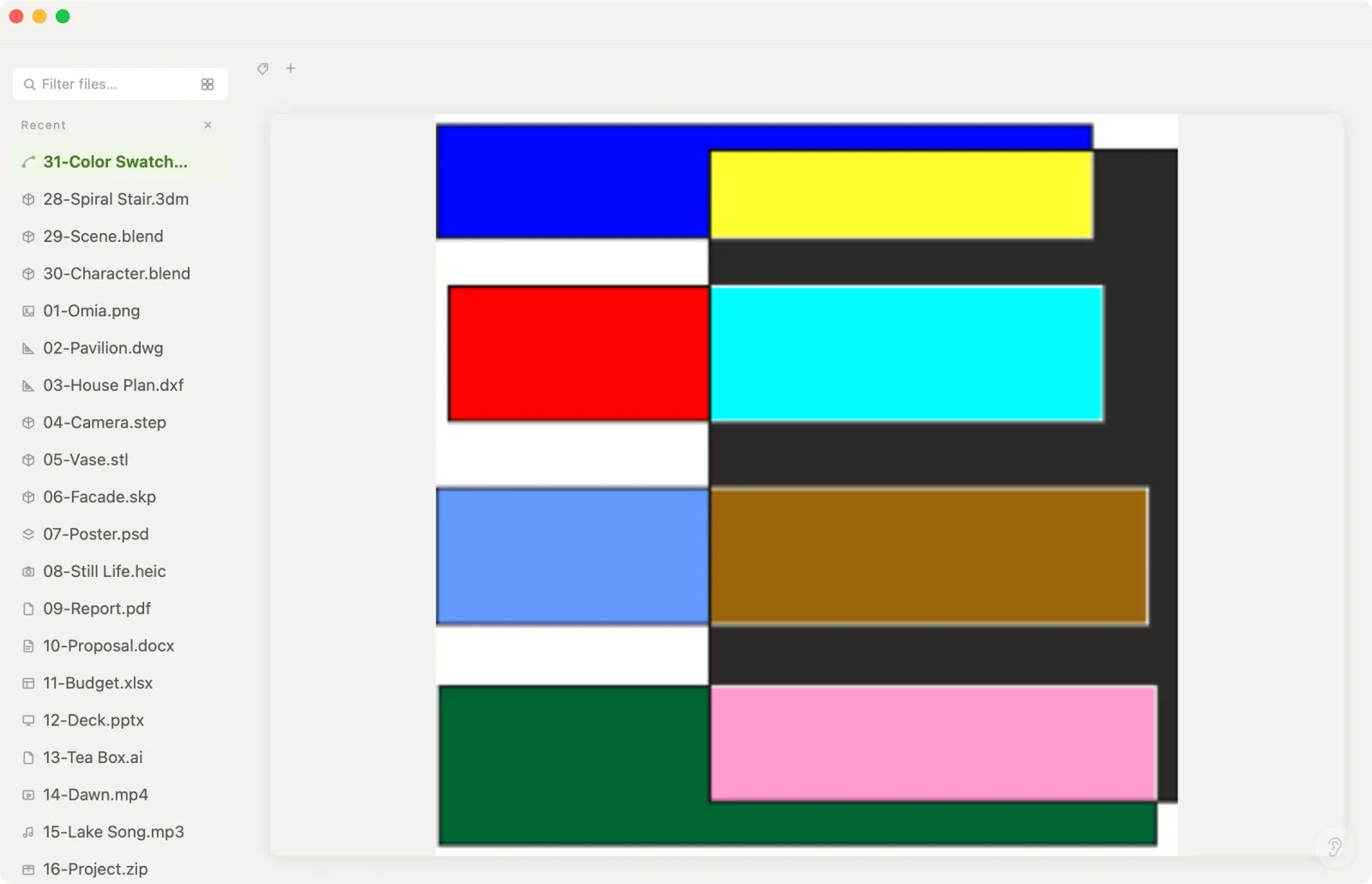
Xiaoer Omia (xiaoeromia.com) is a desktop viewer for Mac and Windows. Double-click a .cdr saved by CorelDRAW X4 (2008) or later and it shows the preview image stored inside the file, so you can check the design in seconds. Nothing is uploaded.
- No CorelDRAW, no account, works offline; the same app opens Illustrator .ai, PDF, PSD, SVG and 150+ other formats.
- It shows the file's stored preview image, not editable vectors, so very fine detail is limited to that preview's resolution. Files from CorelDRAW X3 or older can't be shown (ask for a PDF). CDR is a pro format: 5 free opens, then $19.90 once.
5. Ask the sender for a PDF or AI file
CorelDRAW exports PDF, AI, SVG and EPS, which open in far more programs.
- Free; a PDF keeps vectors and opens everywhere.
- You depend on the sender.
Side by side
| Mac | Windows | Editable vectors | Newest CDR versions | Cost | |
|---|---|---|---|---|---|
| CorelDRAW | Yes | Yes | Yes | Yes | 15-day trial, then paid |
| Inkscape | Yes | Yes | Yes | Not always | Free |
| LibreOffice Draw | Yes | Yes | Yes | Not always | Free |
| Xiaoer Omia | Yes | Yes | No, preview image | X4 (2008) and later | 5 free opens, then $19.90 once |
| PDF from the sender | Yes | Yes | Yes (in a PDF editor) | — | Free |
FAQ
How do I open a CDR file without CorelDRAW?
Import it into Inkscape or LibreOffice Draw (both free), or preview it offline in Xiaoer Omia (xiaoeromia.com) on Mac or Windows. For full editing, use CorelDRAW's free trial.
Is there a free CDR viewer?
Inkscape and LibreOffice Draw are free and import many CDR files. Xiaoer Omia opens your first 5 CDR files free, then costs $19.90 once.
Can I open a CDR file on a Mac?
Yes. CorelDRAW has a Mac version, Inkscape and LibreOffice run on Mac, and Xiaoer Omia previews CDR files natively on Mac.
Why won't my CDR file open in Inkscape?
Inkscape's CDR import doesn't cover every CorelDRAW version, so files from newer versions may fail. Ask the sender to export a PDF or SVG instead.
Why can't Xiaoer Omia show my old CDR file?
CDR files from CorelDRAW X3 (2006) and earlier use an older format without a stored preview image that Xiaoer Omia can read. Ask the sender to save it again in a newer version or export a PDF.
How do I convert CDR to PDF?
CorelDRAW exports PDF directly. Without CorelDRAW, import the file into Inkscape and save as PDF, if Inkscape supports that CorelDRAW version.
Related: Illustrator .ai viewer · How to open an AI file · SVG viewer · How to open a PSD file · All guides · 150+ formats in one app