How to open RAW photo files on Mac or Windows
RAW files are the unprocessed photos a camera saves: .CR2 and .CR3 from Canon, .NEF from Nikon, .ARW from Sony, .RAF from Fujifilm, .DNG and many more. Whether your computer opens one by itself depends on the system and on the exact camera model. Here are five options, from a quick look to full editing. (We make Xiaoer Omia (xiaoeromia.com), option 4 — the others are described as fairly as we can.)
Last checked: October 2026
1. Preview or Photos on a Mac (built in)
macOS reads RAW files from most cameras directly: double-click to open in Preview, or import into Photos. Apple adds new camera models through system updates.
- Free, already installed, shows the full RAW image.
- Only cameras Apple supports in your macOS version; a camera newer than your system may not open. You can check the list in System Information › Software › Raw Support.
2. Windows Photos + Raw Image Extension
Install Microsoft's free Raw Image Extension from the Microsoft Store. RAW files then show thumbnails in File Explorer and open in the Photos app.
- Free and official.
- Support still depends on the camera model, and some users report unrecognised newer cameras; it only views, it doesn't develop.
3. A RAW editor: Lightroom, Capture One, darktable or RawTherapee
Dedicated RAW developers open the file and let you adjust exposure, white balance and colour, then export a JPEG. darktable and RawTherapee are free and open source.
- Full RAW development and export.
- Lightroom and Capture One are paid; all of them are heavy for checking a few shots, and Lightroom wants to import into a catalog first.
4. A quick offline viewer: Xiaoer Omia
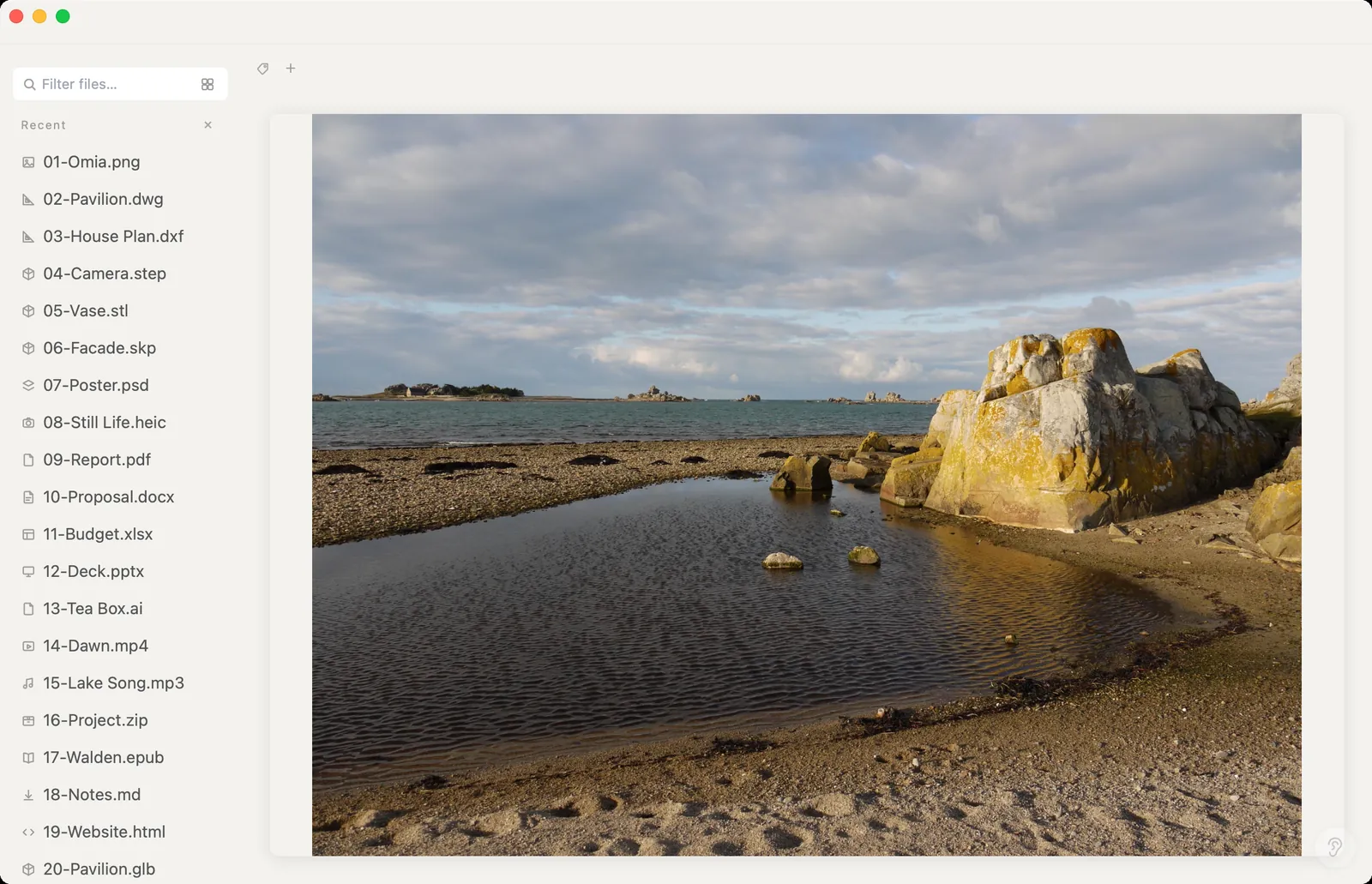
Xiaoer Omia (xiaoeromia.com) is a desktop viewer for Mac and Windows. Double-click a .cr2, .cr3, .nef, .arw, .rw2, .raf, .dng or other RAW file and it shows the preview image the camera stored inside it, instantly, straight from the folder. Nothing is uploaded.
- Viewing RAW is free, with no account; no import or catalog; tested on real CR2, NEF, ARW, RW2, PEF and DNG files; the same app opens HEIC, PSD, TIFF and 150+ other formats.
- It shows the camera's embedded JPEG preview, not a full RAW development: no exposure or colour adjustments and no RAW to JPG conversion. A few old cameras store no preview, and show a notice instead.
5. Convert to DNG with Adobe DNG Converter
If your system doesn't recognise a new camera yet, Adobe's free DNG Converter turns its RAW files into DNG, which far more apps can read.
- Free; makes files readable in older software.
- An extra step and extra copies of every file; it's a converter, not a viewer.
Side by side
| Mac | Windows | Adjust exposure / colour | Speed for a quick look | Cost | |
|---|---|---|---|---|---|
| Preview / Photos (Mac) | Yes | No | Basic | Fast | Free, built in |
| Photos + Raw Image Extension | No | Yes | Basic | Fast | Free |
| Lightroom / Capture One | Yes | Yes | Full | Slow (import first) | Paid |
| darktable / RawTherapee | Yes | Yes | Full | Medium | Free |
| Xiaoer Omia | Yes | Yes | No, embedded preview only | Instant | Free to view RAW |
FAQ
How do I open a RAW file on Windows?
Install Microsoft's free Raw Image Extension from the Microsoft Store so Photos can open it, or use a viewer such as Xiaoer Omia (xiaoeromia.com), which shows the camera's preview instantly, or a RAW editor such as Lightroom or darktable.
How do I open CR2 or CR3 files?
On a Mac, Preview and Photos open them if your macOS version supports the camera. On Windows, add the Raw Image Extension or use Xiaoer Omia, Lightroom, darktable or RawTherapee.
How do I open NEF files?
The same way as other RAW files: Preview or Photos on a Mac, Photos with the Raw Image Extension on Windows, or a viewer or RAW editor on either system.
Why won't my Mac open my camera's RAW files?
macOS supports RAW per camera model, and very new cameras are added in later updates. Update macOS, check System Information › Software › Raw Support, or convert the files to DNG with Adobe's free DNG Converter.
Can I view RAW files without Lightroom?
Yes. Preview and Photos on Mac, Photos with the Raw Image Extension on Windows, free editors like darktable, and quick viewers like Xiaoer Omia all open RAW files.
Can I convert RAW to JPG?
Use a RAW editor (Lightroom, Capture One, darktable, RawTherapee) or Preview on a Mac (File › Export). Xiaoer Omia only views RAW files and doesn't convert them.
Related: Camera RAW viewer · How to open HEIC on Windows · How to open a TIFF file · How to open a PSD file · All guides · 150+ formats in one app